



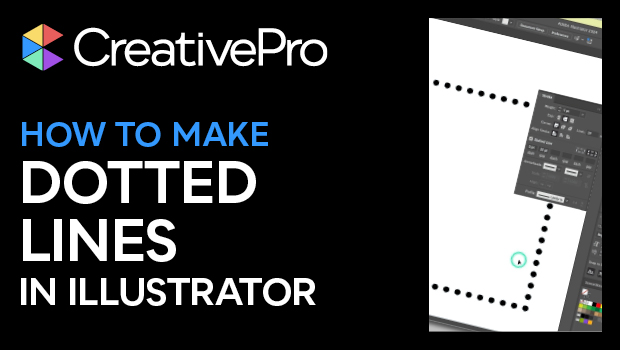
In this Illustrator how-to video, Khara Plicanic shows how to make a dotted line. At first glance, it’s not very intuitive, but she shows how easy it actually is to create one. Khara then points out how to finesse the distribution of the dots when using them as a frame border.
Subscribe to the CreativePro YouTube channel for more helpful design tips!
This article was last modified on August 29, 2025
This article was first published on September 24, 2024
Commenting is easier and faster when you're logged in!

Recommended for you
What’s New in Photoshop: April 2026
New features for removing unwanted people and objects, rotating objects, and ren...
Illustrator’s New and Updated Artboard Features
Discover the new features and updates to Illustrator's artboards with Kat Kremse...

Quick Wins: Vector Drawing Skills
Use these five resources to boost your vector drawing skills.