



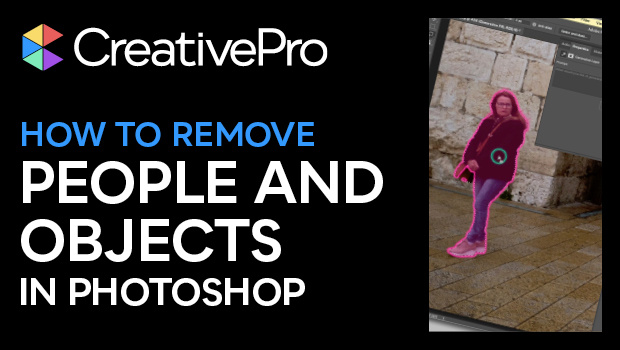
In this Photoshop how-to video, Khara Plicanic shows how to remove unwanted people and objects from photos. She demonstrates a couple of different selection techniques for the removal, then uses Generative Fill to add content into the void left behind. Lastly, Khara shows how to do quick touch-ups on unwanted objects.
Subscribe to the CreativePro YouTube channel for more helpful design tips!
This article was last modified on August 29, 2025
This article was first published on September 18, 2024
Commenting is easier and faster when you're logged in!

Recommended for you
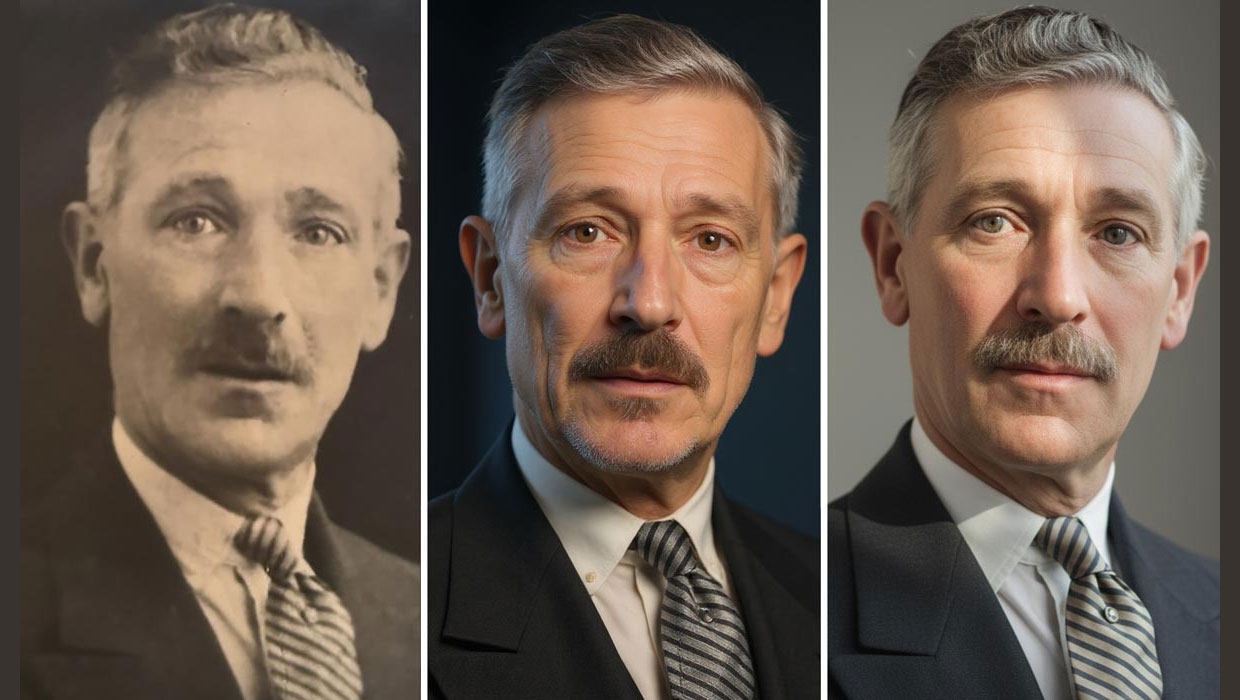
Nano Banana and Flux Kontext Pro: Using Third-Party AI Models in Photoshop
Partner models add powerful new options for Generative AI in Photoshop
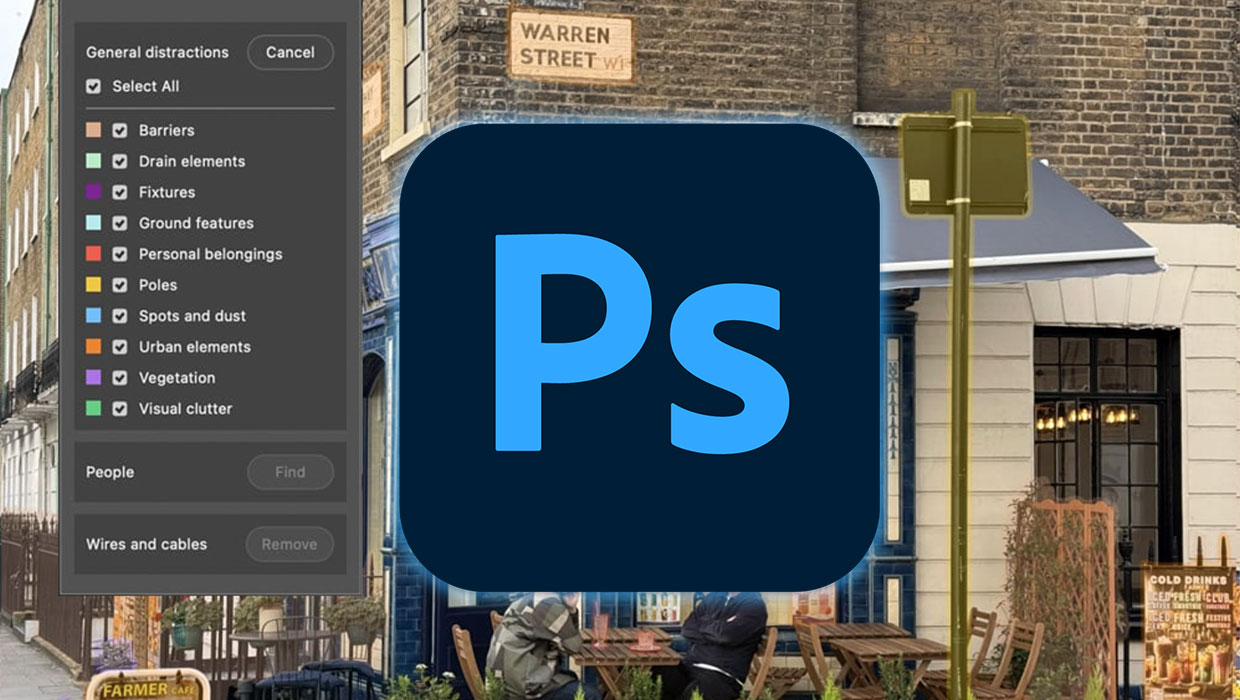
What’s New in Photoshop: April 2026
New features for removing unwanted people and objects, rotating objects, and ren...

CreativePro Week 2026 Preview: 5 Pixel-Perfect Photoshop and Illustrator Sessions
Our Editor in Chief lists his must-see Photoshop and Illustrator sessions at Cre...