
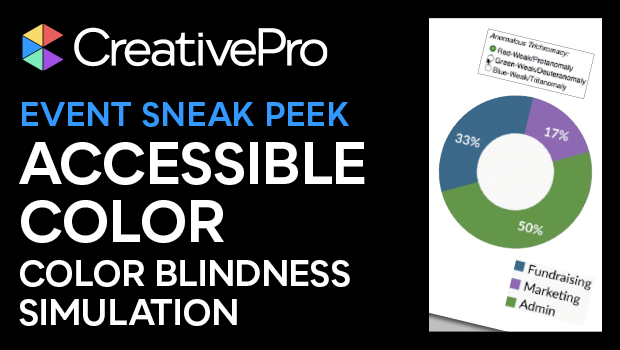
In this Design + Accessibility Summit sneak peek, Colleen Gratzer shows how to check your infographics with a color blindness simulator. These online tools allow you to see how your graphics will appear to those people with different types of color blindness. She explains that taking these extra steps make your designs more accessible and therefore more valuable.
This sneak peek is a preview of Colleen’s “The Impact of Accessible Color on Everyone” session at our upcoming Design + Accessibility Summit. See the agenda and register now!
Subscribe to the CreativePro YouTube channel for more helpful design tips!
This article was last modified on August 29, 2025
This article was first published on August 16, 2024
Commenting is easier and faster when you're logged in!

Recommended for you

Interview with Joy Pollard, Designer and Adobe Certified Professional
Learn how roller derby, astronomy, and theater influenced one designer’s journey...
Create Flawless Fractions with OpenType
Choose your font carefully if you need flawless fractions!