



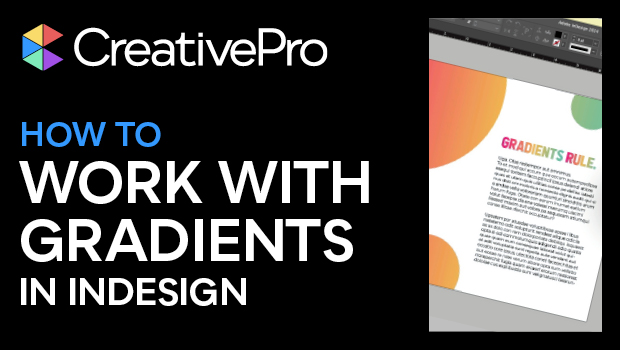
In this InDesign how-to video, Khara Plicanic shows you everything you need to know about creating and using gradients in your documents. From adding and changing colors, to choosing a gradient type, to using the Gradient tool to adjust direction and depth, Khara explains what you need to know to make the perfect gradients.
Subscribe to the CreativePro YouTube channel for more helpful design tips!
This article was last modified on August 29, 2025
This article was first published on June 26, 2024
Commenting is easier and faster when you're logged in!

Recommended for you
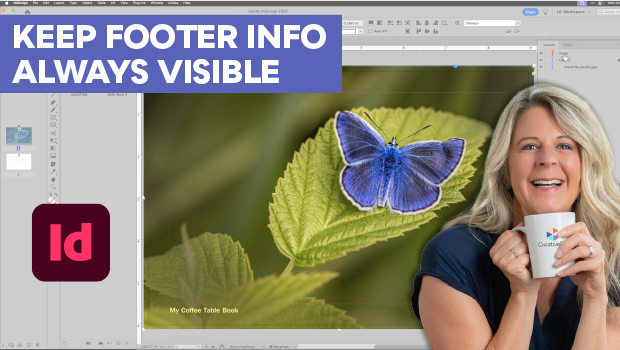
Keep Footer Info Always Visible in InDesign
Keep your full-page photographs from blocking headers and footers in InDesign wi...

From Type to Table: Different Medium, Same Design Eye
Our longtime typography expert explores how the core principles of design transl...

Adobe Unveils Major Expansion of Creative Agent Across Firefly and Creative Cloud Apps Including Photoshop and Premiere
Adobe is giving creative professionals an AI Assistant that orchestrates multi-s...