



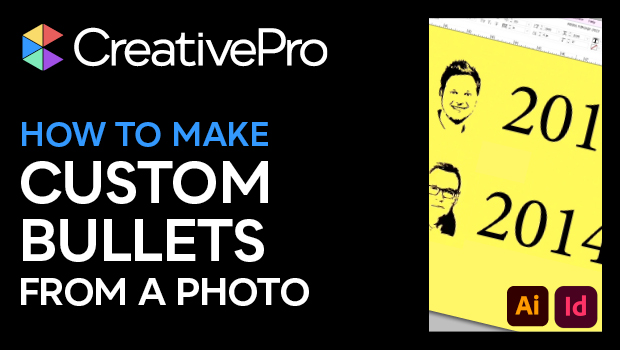
In this “Three Minutes Max” video, Mike Rankin demos a fun way to create some unique custom bullet characters in InDesign. He first goes into Illustrator and uses the trace function to convert his photos to vector artwork. Then using a plug-in called Fontself Maker, he creates glyphs from each photo and saves out his newly created font. Back in InDesign, Mike assigns a custom bullet character using that font.
Three Minutes Max comes from a fun—yet very competitive—session at our annual CreativePro Week conference. Speakers have three minutes to wow the audience with the tip and win a prize for a lucky conference attendee.
Subscribe to the CreativePro YouTube channel for more helpful design tips!
This article was last modified on August 29, 2025
This article was first published on June 6, 2024
Commenting is easier and faster when you're logged in!

Recommended for you
Create Space Around a List in InDesign
Add extra space around a list, without creating multiple paragraph styles!

Interview with Valentina D’Efilippo, Creative Director and Data Designer
Thaddeus Coates shares his fun and fearless approach to design and how community...

Adobe Unveils Major Expansion of Creative Agent Across Firefly and Creative Cloud Apps Including Photoshop and Premiere
Adobe is giving creative professionals an AI Assistant that orchestrates multi-s...