


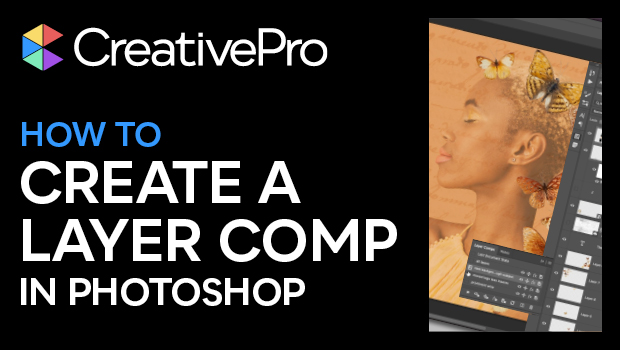
In this CreativePro Week sneak peek video, Dave Cross shows how easy it is to create different configurations of layers in a Photoshop file. These Layer Comps allow you to turn layers on and off, set specific positions for items on each layer, then create a “snapshot” of each set up. Dave names each of them then demos toggling through them to view the different layouts.
This sneak peek video is a preview of Dave’s session at our upcoming CreativePro Week in Washington, D.C. and online July 8–12, 2024. See the agenda and register now!
Subscribe to the CreativePro YouTube channel for more helpful design tips!
This article was last modified on August 29, 2025
This article was first published on April 9, 2024
Commenting is easier and faster when you're logged in!

Recommended for you
Livestream Video: Photoshop Layers Tips & Tricks
Join Khara Plicanic to learn some great tips and tricks for working with layers...

How to Adjust Colors in Photoshop Using Hue and Saturation
Learn how to manipulate an image’s colors using Photoshop’s Hue and Saturation s...
Livestream Video: How to Use Masking in Photoshop
Watch Khara Plicanic show some great tips and tricks for working with masks in P...