In this InDesign video, Mike Rankin shows how to fix a file that has locally-formatted text only. That is to say, it doesn’t use any character or paragraph styles. From running a series of find/change operations, to free scripts, to more robust paid script options, Mike gives you options for adding styles to your text after you’ve already designed your piece.
Link to scripts:
Auto-CreatePCStyles: https://www.ericagamet.com/create-indesign-text-styles-automatically/
PerfectPrepText: https://development.creativepro.com/perfectpreptext-a-smart-way-to-style-local-formatting/
Power Styles: https://dtptools.com/product.asp?id=psid
Auto Character Styles: https://www.id-extras.com/products/auto-character-styles/
This video is an excerpt from Mike’s “Production Disasters and How to Fix (or Prevent) Them” session at CreativePro Week 2023! To find out how to attend this incredible, information-packed week, check out the CreativePro Week site.
Subscribe to the CreativePro YouTube channel for more helpful design tips!
This article was last modified on August 29, 2025
This article was first published on February 12, 2024
Commenting is easier and faster when you're logged in!

Recommended for you

Fix Page References After Tables
Tables inflict mayhem on scripts that insert index markers. This script fixes it...
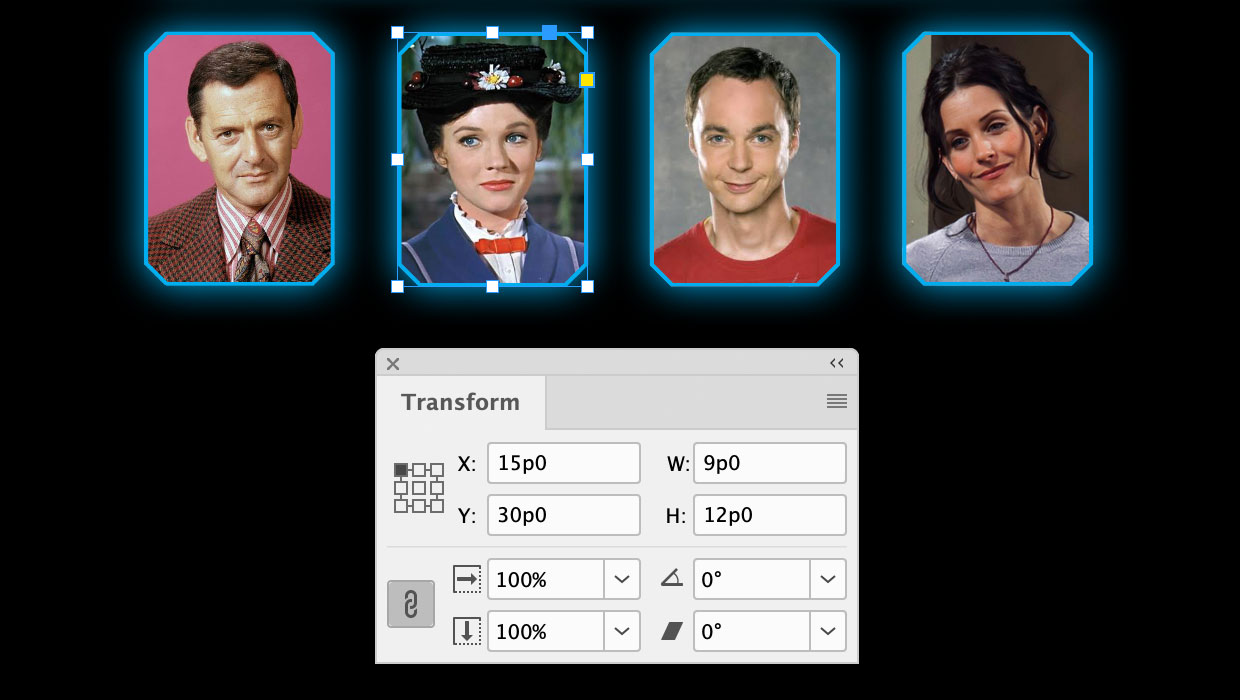
A Script to Round off Size and Position Values in InDesign
Instantly clean up "messy" values by rounding them off to the nearest whole poin...