



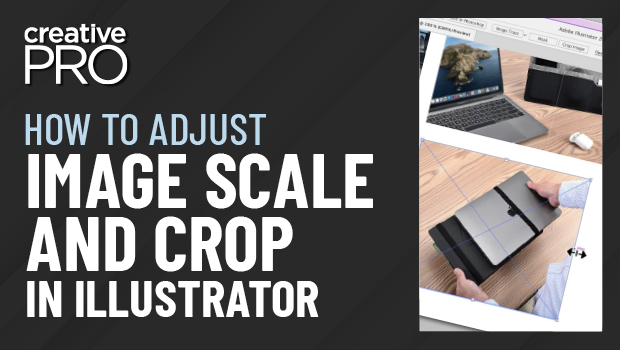
In this Illustrator how-to video, Jason Hoppe shows off a couple of tricks for re-sizing and cropping images. He demos a feature for quickly restoring an image to its original proportions and then shows how easy it is to mask an image with any shape.
This video is an excerpt from Jason’s Illustrator session at CreativePro Week 2022. To find out how to attend this incredible, information-packed week, check out https://CreativeProWeek.com.
Subscribe to the CreativePro YouTube channel for more helpful design tips!
This article was last modified on August 29, 2025
This article was first published on June 26, 2023
Commenting is easier and faster when you're logged in!

Recommended for you
Interview with Laura Coyle, Artist and Educator
An 8-time CreativePro Week speaker offers her thoughts on building confidence an...
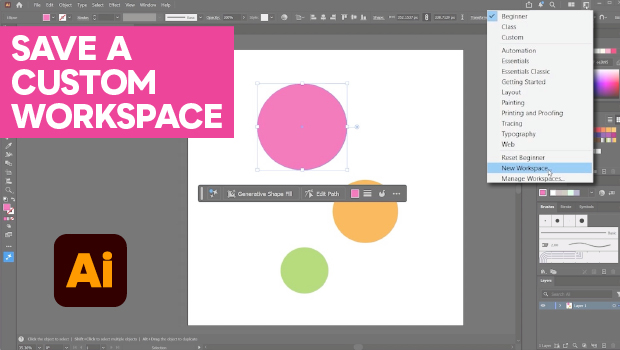
How to Make Illustrator More User Friendly
Set up your own custom workspace with Kat Kremser.
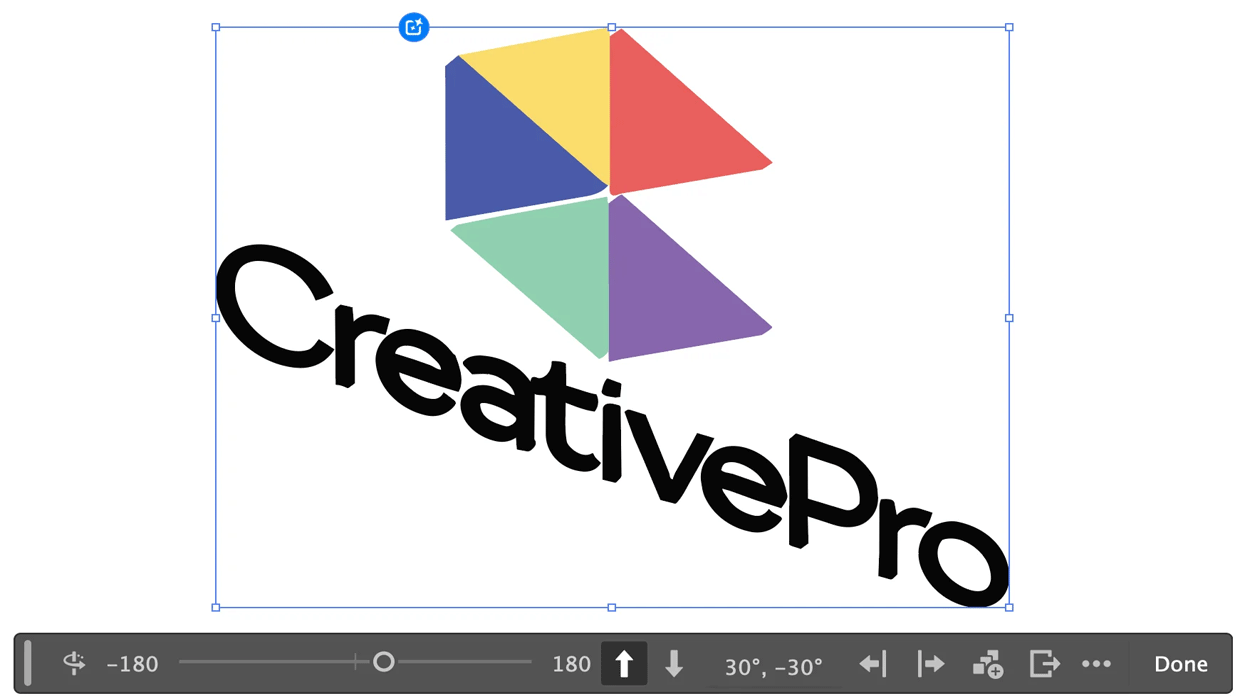
Rotating Objects in Illustrator Using Turntable
Generate vector objects from a variety of angles with the help of AI