



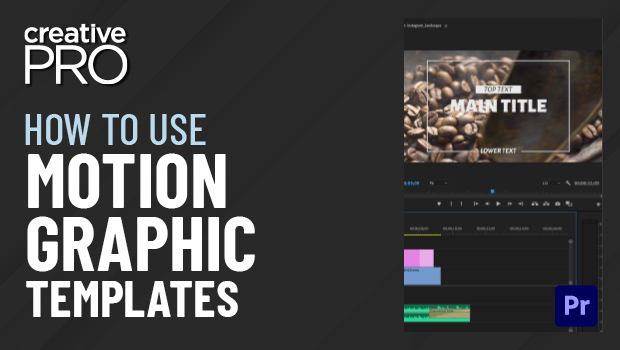
In this CreativePro Week sneak peek video, Chris Converse shows how easy it is to use a motion graphics template in your Premiere Pro project. Using a template—which you can find on Adobe Stock or other online marketplaces—is as easy as dragging it into your project’s timeline. He demos how to easily integrate items like lower thirds, titles, and onscreen graphics, then customize the look, text, and clip length to suit your needs.
This video is a sneak peek of Chris’ CreativePro Week 2023 sessions. See the full agenda and register for the conference—both in-person in Phoenix, Arizona and online—at CreativeProWeek.com.
This article was last modified on August 29, 2025
This article was first published on April 13, 2023
Commenting is easier and faster when you're logged in!

Recommended for you

Quick Wins: InDesign Template Essentials
Use these five Template Essentials collections to speed up your InDesign documen...
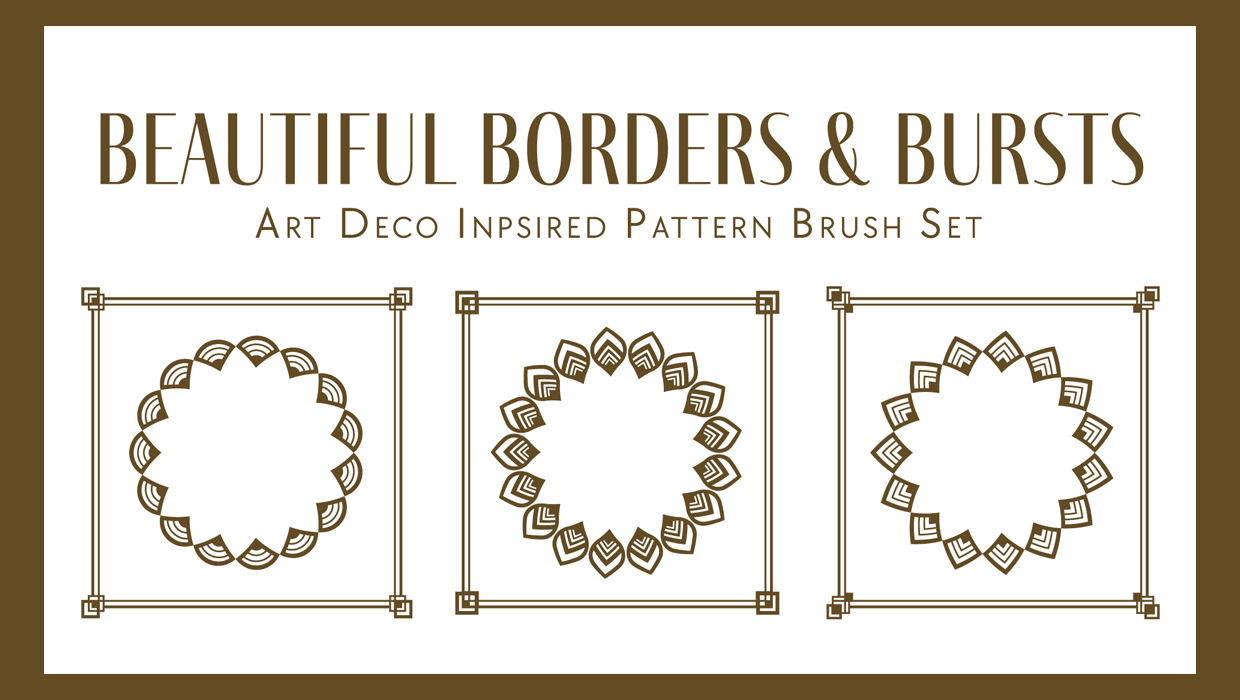
Illustrator Downloadable: Art Deco Borders and Brushes
Custom patterns and brushes to add a sleek and swanky style to your designs

Illustrator Downloadable: Summer Citrus Pattern Set
Add some zing and zest to your next design with these tasty patterns, symbols, a...