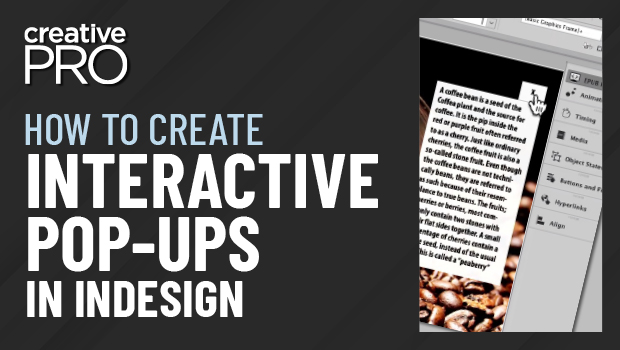
In this InDesign video, Laurie Ruhlin shows how to quickly make a pop-up box—for a photo caption in this example—to be used in an interactive document. By making objects into buttons, she uses the Hide/Show Button action to turn off and on elements as the buttons are selected. This will work when exporting to an interactive format like fixed-layout EPUB, HTML, or Publish Online, as well as PDFs when viewed with a capable reader app.
This video is excerpted from Laurie’s “InDesign Animation and Interactivity” session at CreativePro Week 2022.
This article was last modified on August 29, 2025
This article was first published on November 3, 2022
Commenting is easier and faster when you're logged in!

Recommended for you
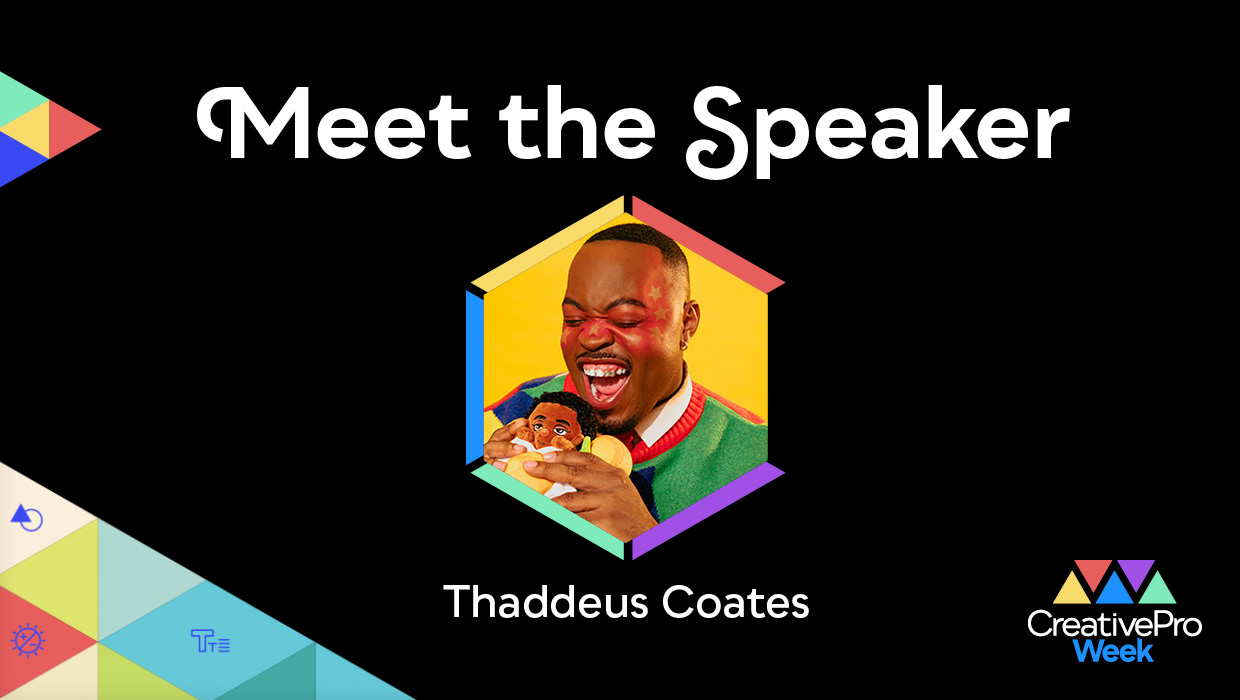
Interview with Thaddeus Coates, Artist and Character Designer
Thaddeus Coates shares his fun and fearless approach to design and how community...
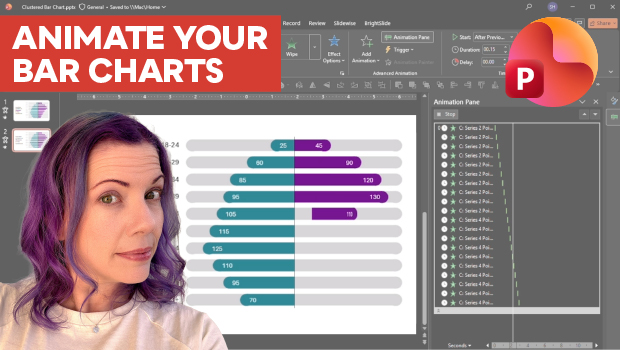
Animate a Waterfall Effect on a PowerPoint Bar Chart
Stephy Hogan is back with another eye-catching animated chart design.