




In this Three Minutes Max video, Russell Viers shares a genius tip for jumping text in one document to continue in another document. By using a feature of InCopy—but without ever actually opening that program—he is able to keep an editable, threaded story between two completely separate files.
Three Minutes Max comes from a fun—yet very competitive—session at our annual CreativePro Week conference. Speakers have three minutes (max!) to wow the audience with the tip and win a prize for a lucky conference attendee.
This article was last modified on August 29, 2025
This article was first published on July 1, 2022
Commenting is easier and faster when you're logged in!

Recommended for you
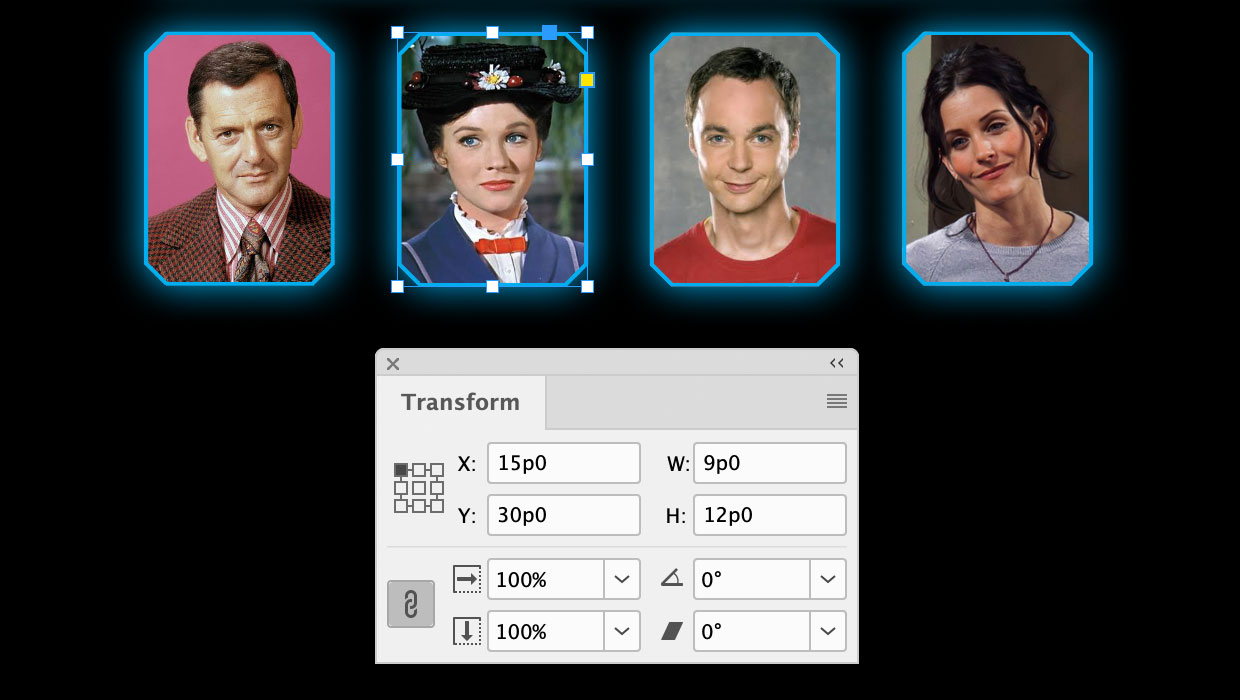
A Script to Round off Size and Position Values in InDesign
Instantly clean up "messy" values by rounding them off to the nearest whole poin...

How to Turn a Photo into Graffiti in Photoshop
Create a spray-painted masterpiece in Photoshop with Steve Caplin.

7 Reasons Why You Belong at the InDesign User Group
If you’re an InDesign user, you’ll dig the IDUG