



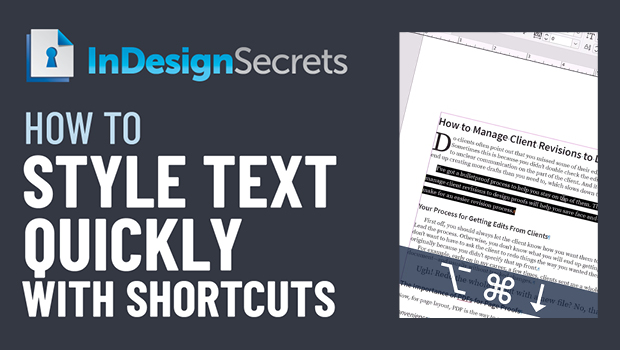
In this InDesign how-to video, Colleen Gratzer shows a couple of quick keyboard shortcuts to adjust the type in your documents. Changing up leading, tracking, and font size with a shortcut allows you to keep your hands on the keys and not interrupt the flow of entering text. Colleen also explains how to set the adjustment amount from within Preferences.
This comes from Colleen’s “Time-Saving InDesign Practices” session at CreativePro Week 2021.
This article was last modified on August 29, 2025
This article was first published on March 27, 2022
Commenting is easier and faster when you're logged in!

Recommended for you

10 Terrific Time Savers for InDesign
Life is busy. Work is hard. Use these tips to get more done faster.

The 5 Rules of Efficiency for InDesign
You'll rake in the efficiency jackpot every time with these five basic rules.