



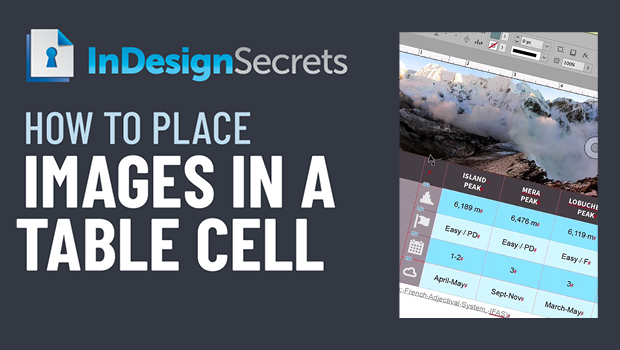
In this InDesign video, Bart Van de Wiele demos an easier way to get images into a table cell. The process is as simple as converting the desired cells to graphic cells then setting the frame fitting options for precise placement.
This article was last modified on August 29, 2025
This article was first published on January 3, 2022
Commenting is easier and faster when you're logged in!

Recommended for you
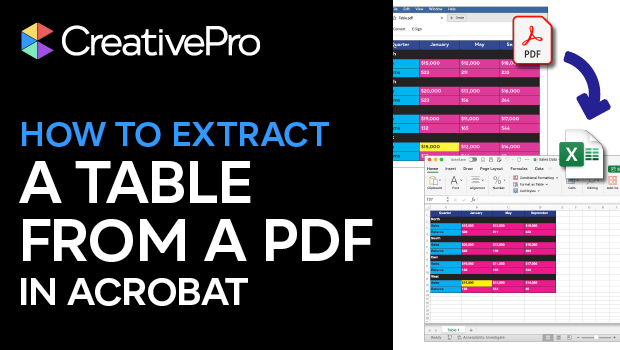
How to Extract a Table from a PDF in Acrobat
Get your data out of a PDF and into an Excel Workbook with this quick Acrobat tr...
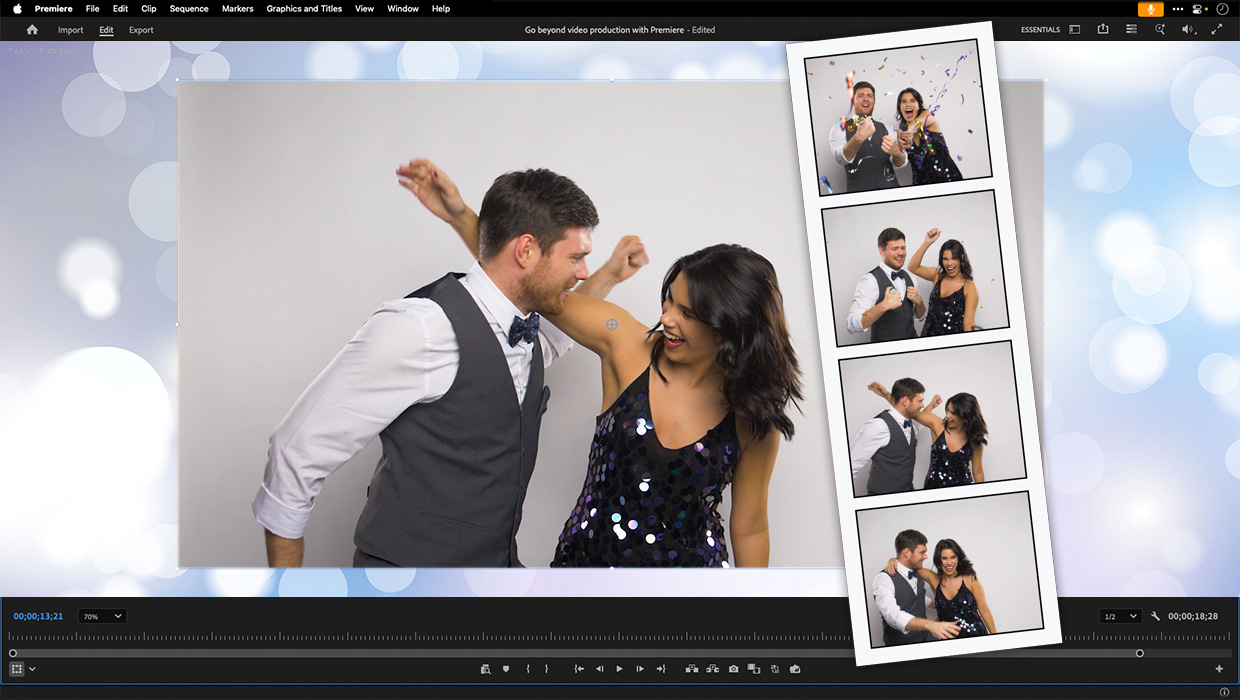
Premiere: It’s Not Just For Video
Designers using InDesign and Photoshop can look at Premiere as a surprising reso...
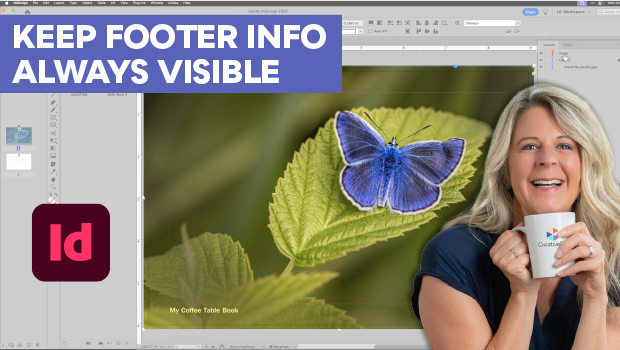
Keep Footer Info Always Visible in InDesign
Keep your full-page photographs from blocking headers and footers in InDesign wi...