



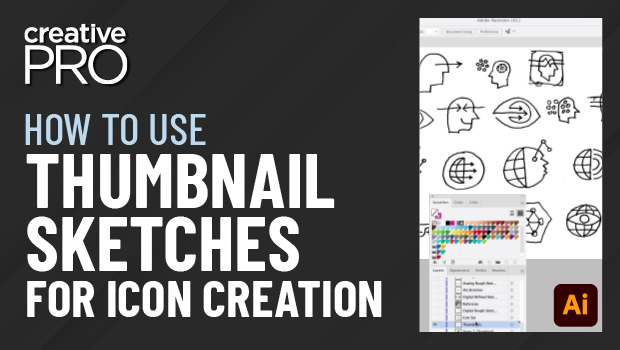
In this Illustrator video, Von Glitschka gives several great pointers on creating and using thumbnail sketches when creating icons (or any vector artwork). From rough sketches to refined ideas to using photo references, he shows that you don’t have to be a great sketch artist to bring your ideas to life.
This video is taken from Von’s “Logos and Icons” session at our Adobe Illustrator Summit.
This article was last modified on August 29, 2025
This article was first published on September 7, 2021
Commenting is easier and faster when you're logged in!

Recommended for you

Creating Quick Mockups in Illustrator
How to use the Mockup panel in Illustrator to preview what your art will look li...

CreativePro Week 2026 Preview: 5 Pixel-Perfect Photoshop and Illustrator Sessions
Our Editor in Chief lists his must-see Photoshop and Illustrator sessions at Cre...
Illustrator’s New and Updated Artboard Features
Discover the new features and updates to Illustrator's artboards with Kat Kremse...