



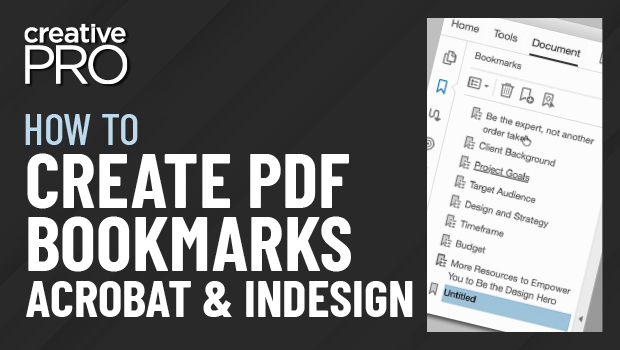
In this InDesign how-to video, Colleen Gratzer shares tips for creating a table of contents and how to create PDF bookmarks from that TOC. She demos how the TOC items become bookmarks and then goes on to demo how to create additional bookmarks from within Acrobat itself. As a bonus tip, Colleen shows how to create multiple tables of contents in the same InDesign file.
New videos every other Tuesday on our CreativePro YouTube channel. Be sure to subscribe so you don’t miss any!
This article was last modified on August 29, 2025
This article was first published on August 22, 2021
Commenting is easier and faster when you're logged in!

Recommended for you

How to Create an Accessible—and Hidden—Table of Contents in InDesign
Create invisible but accessible PDF bookmarks with Pariah Burke.

Preflighting in InDesign and Adobe Acrobat
Creating documents that print smoothly and that look as good in print as they do...

Quick Wins: Building Print Production Skills
Use these five resources to boost your prepress knowledge and skills.