




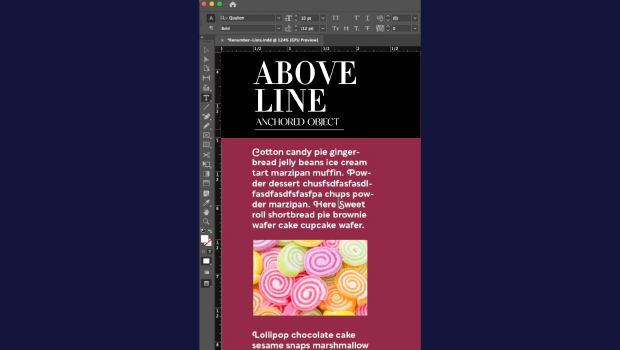
In this InDesign video, Mike Rankin shows how to anchor graphics to the four corners of a frame and demos how easy it is to update those graphics using object styles. The anchored objects also stay attached to the frame, even as it resizes.
Check out new tutorials every other Tuesday on our InDesign Secrets YouTube channel, then join the discussion on our Facebook group!
This article was last modified on August 29, 2025
This article was first published on July 3, 2021
Commenting is easier and faster when you're logged in!

Recommended for you

Interview with Nicte Cuevas, Brand Strategist and Designer
An award-winning strategist shares how personal resilience, cultural heritage, a...

Adobe Unveils Major Expansion of Creative Agent Across Firefly and Creative Cloud Apps Including Photoshop and Premiere
Adobe is giving creative professionals an AI Assistant that orchestrates multi-s...
How to Make Graphics Flow with Text in InDesign
Khara Plicanic demonstrates how to add a graphic between paragraphs so it flows...