



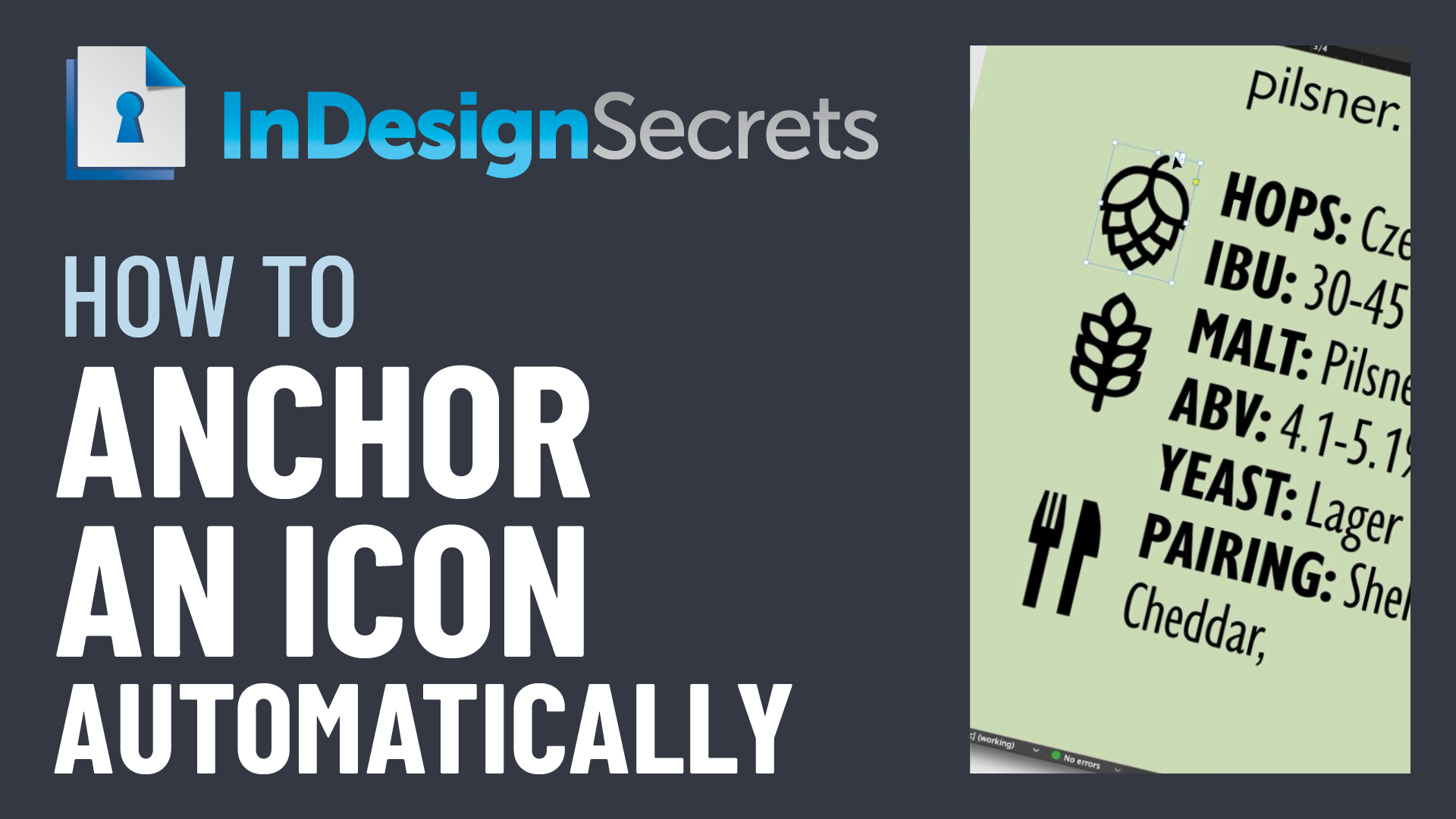
In this InDesign how-to video, Chad Chelius shows how to anchor an icon to a specific word any time it appears in a specific paragraph style. The “Three Minutes Max” tip uses and object style and a simple GREP expression in Find/Change to automate what would otherwise be a time-consuming task.
Check out new tutorials every other Tuesday on our InDesign Secrets YouTube channel, then join the discussion on our Facebook group!
This article was last modified on August 29, 2025
This article was first published on June 12, 2021
Commenting is easier and faster when you're logged in!

Recommended for you
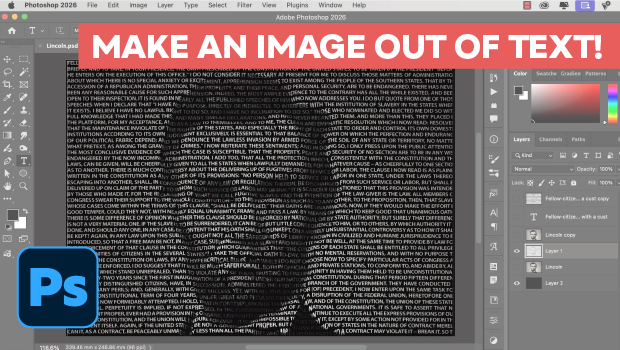
Making an Image Entirely Out of Text in Photoshop
Create a typographical wonder with Steve Caplin.

Quick Wins: Vector Drawing Skills
Use these five resources to boost your vector drawing skills.
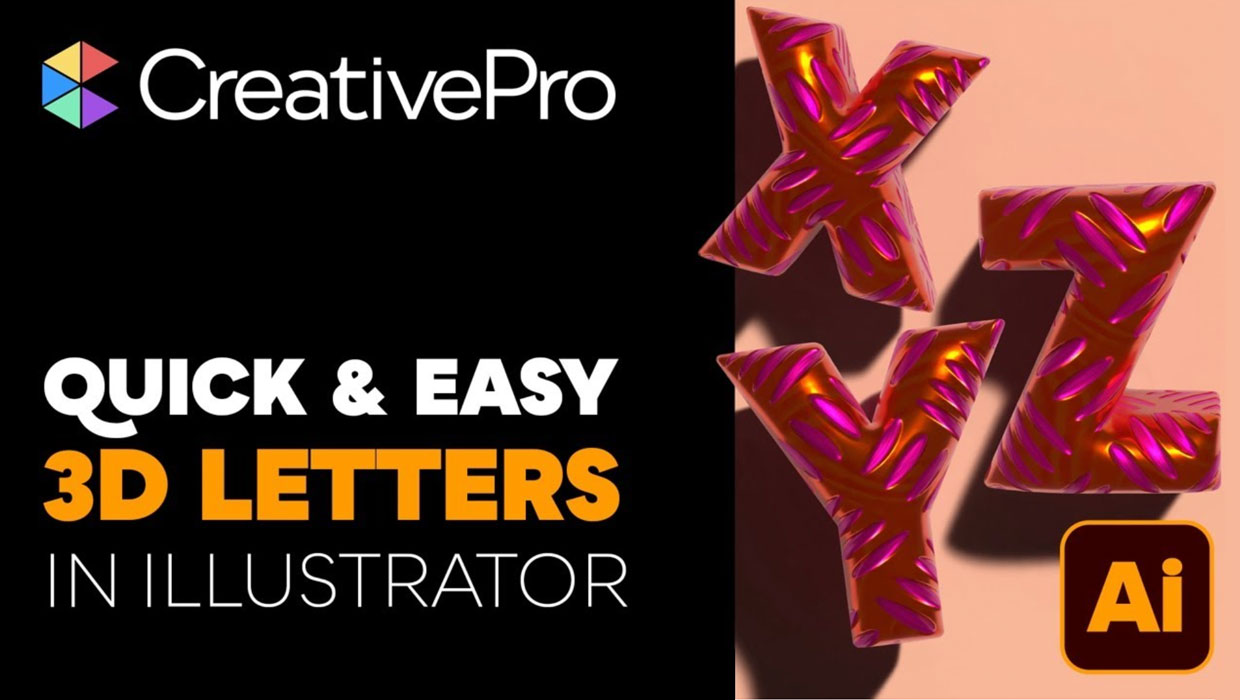
Livestream Video: Creating 3D Lettering Using Illustrator’s Inflate Tool
Join Khara Plicanic as she shows how to create stunning 3D lettering with Illust...