



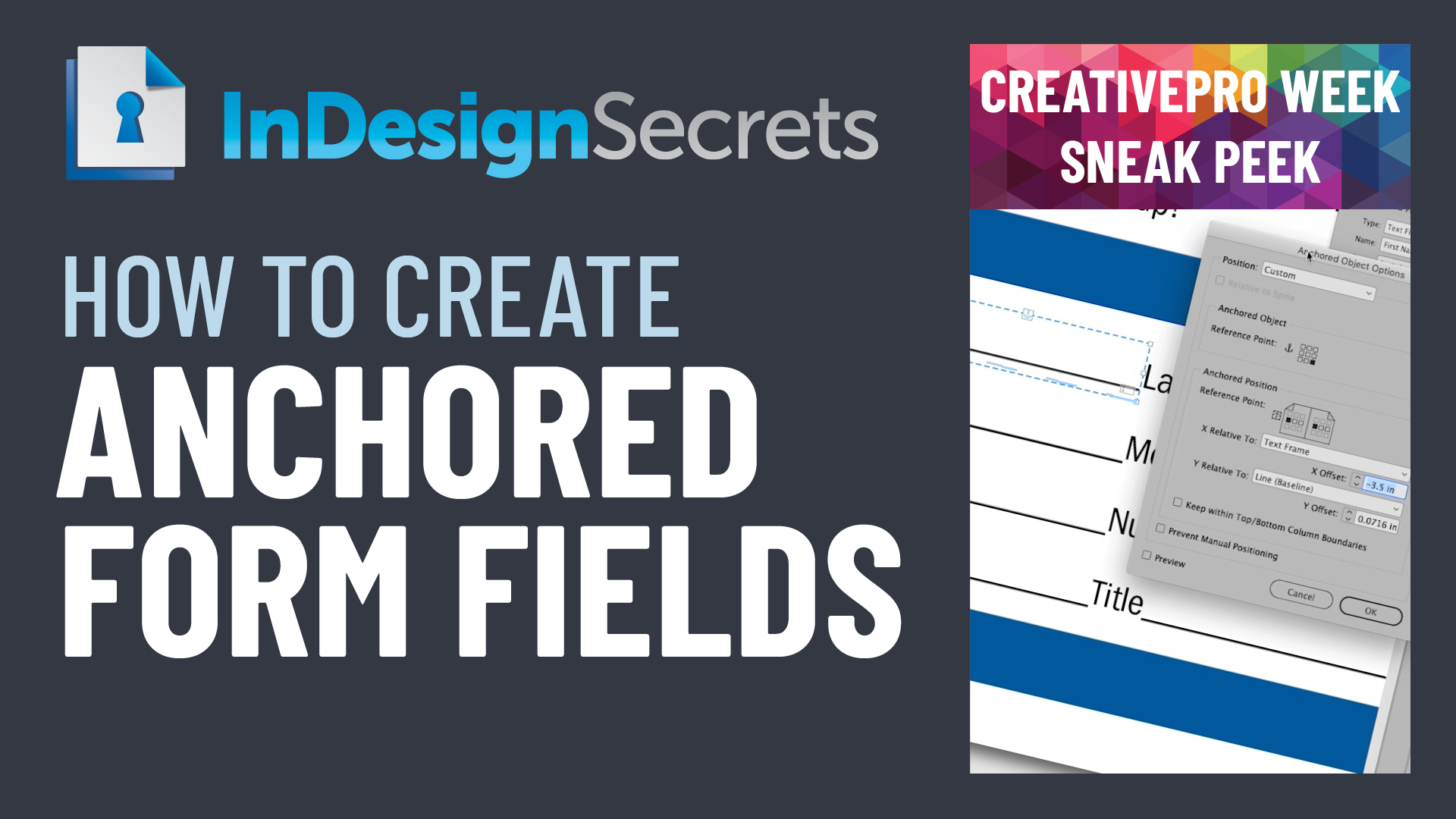
In this InDesign how-to video, Chad Chelius demonstrates how to anchor fillable form fields so they stay connected to the rest of the text. He also shows how to apply the same settings quickly across multiple form fields using object styles.
NOTE: Chad will be presenting at CreativePro Week 2021!
Check out new tutorials every other Tuesday on our InDesign Secrets YouTube channel, then join the discussion on our Facebook group!
This article was last modified on August 29, 2025
This article was first published on March 29, 2021
Commenting is easier and faster when you're logged in!

Recommended for you

How to Create a Custom Stamp in Adobe Acrobat Pro
Learn how to move pages between PDF files with Chad Chelius.


Free Webinar: Visualize Ideas Faster with Adobe Firefly Boards
Learn how Adobe Firefly Boards can help you brainstorm, organize ideas, and expl...