


CreativePro Video: Always Paste to Center in Photoshop
See the simple trick for pasting large selections in Photoshop to the center of the canvas.
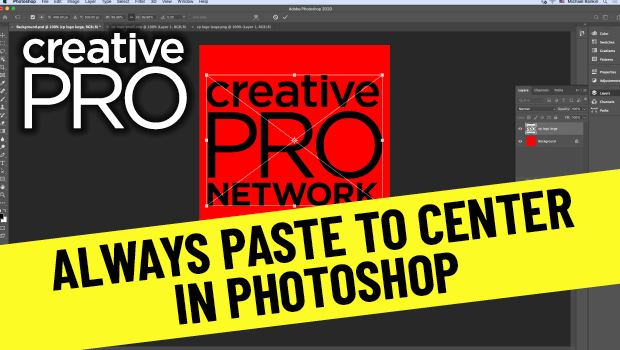
In this video, Mike Rankin shows how to paste an item in Photoshop to the center of the canvas. Although that’s the expected behavior, when pasting objects larger than the canvas they’re not centered and they require extra steps to fix. Mike demos a quicker way to have a pasted image auto center and scale.
New videos every other Tuesday on our CreativePro YouTube channel. Be sure to subscribe so you don’t miss any!
This article was last modified on August 29, 2025
This article was first published on December 8, 2020
Commenting is easier and faster when you're logged in!

Recommended for you

Creating Fluffy Text with AI in Photoshop
How to create a fun text effect that looks like fluffy fur on a grass background...
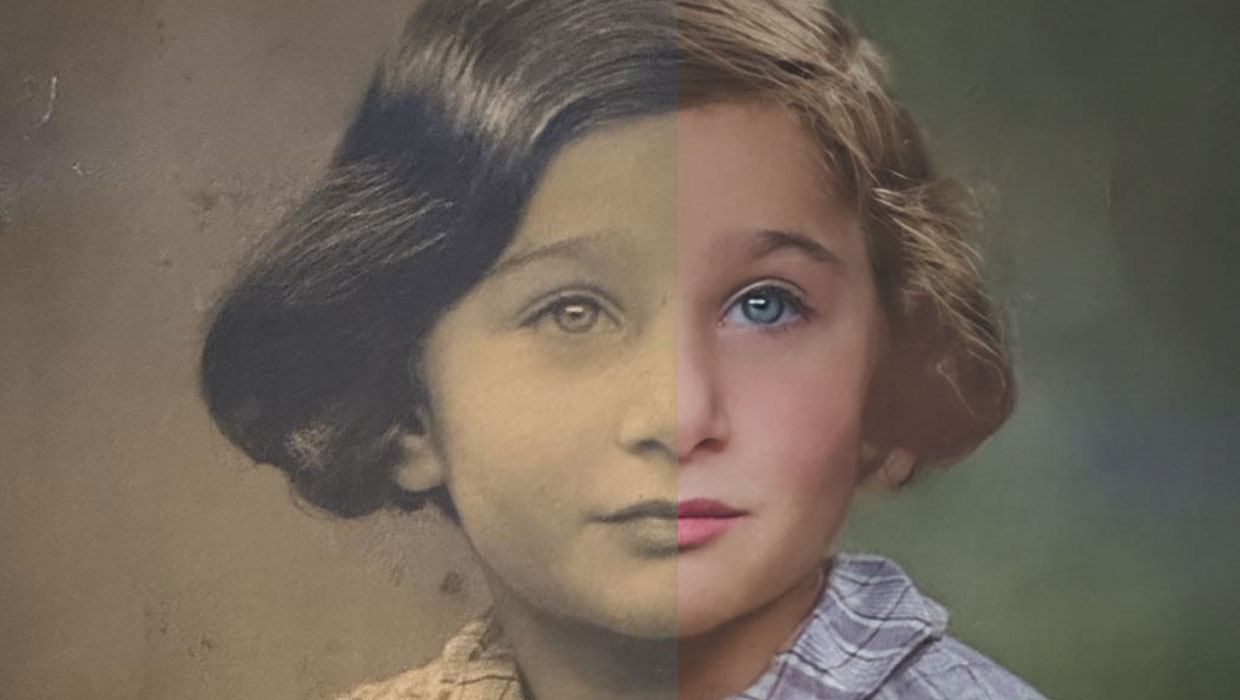
Using the Photo Restoration Neural Filter in Photoshop
This Neural Filter uses AI to remove scratches and other damage, and enhance fac...

Free Webinar: Photoshop + AI—Smarter Tools, Better Results
Learn how to use Photoshop’s AI tools to speed up your editing process and...