




In this InDesign how-to video, Anne-Marie Concepción gives a quick tour of the new Share for Review feature. She shows just how easy it is to post a file for client review and markup and how these comments are integrated back into the working file… and all without needing to create a PDF first.
Check out new tutorials every other Tuesday on our InDesign Secrets YouTube channel, then join the discussion on our Facebook group!
This article was last modified on August 29, 2025
This article was first published on December 1, 2020
Commenting is easier and faster when you're logged in!

Recommended for you

Livestream Video: Creating 3D Lettering Using Illustrator’s Inflate Tool
Join Khara Plicanic as she shows how to create stunning 3D lettering with Illust...

Opinion: InDesign’s Auto-generate Alt Text Feature Needs to Change
How it might damage your accessibility workflow and how it can be fixed
How to Make Illustrator More User Friendly
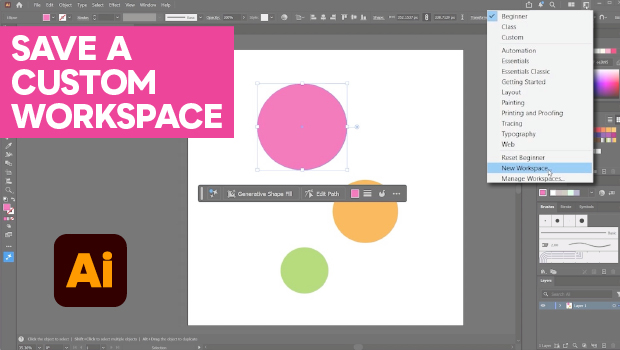
Set up your own custom workspace with Kat Kremser.