



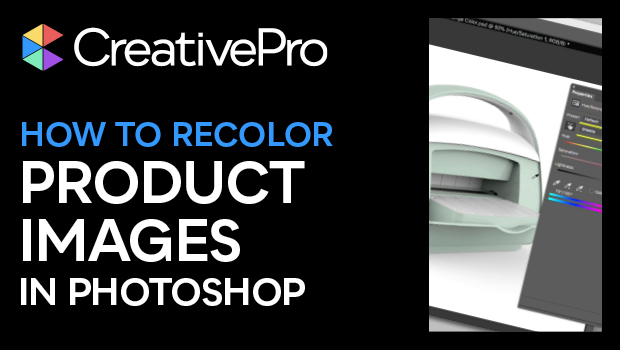
In this “Three Minutes Max” video, Lisa Carney demos how to quickly adjust colors in product images in Photoshop. The technique she shows gives you an easy way to create multiple color versions and best of all, does it without needing to mask anything!
Subscribe to the CreativePro YouTube channel for more helpful design tips!
This article was last modified on August 29, 2025
This article was first published on November 7, 2020
Commenting is easier and faster when you're logged in!

Recommended for you


Merge Ahead: Choosing the Right Tool for Variable Data Jobs
Which tool will smooth the road for the variable data that drives your customize...
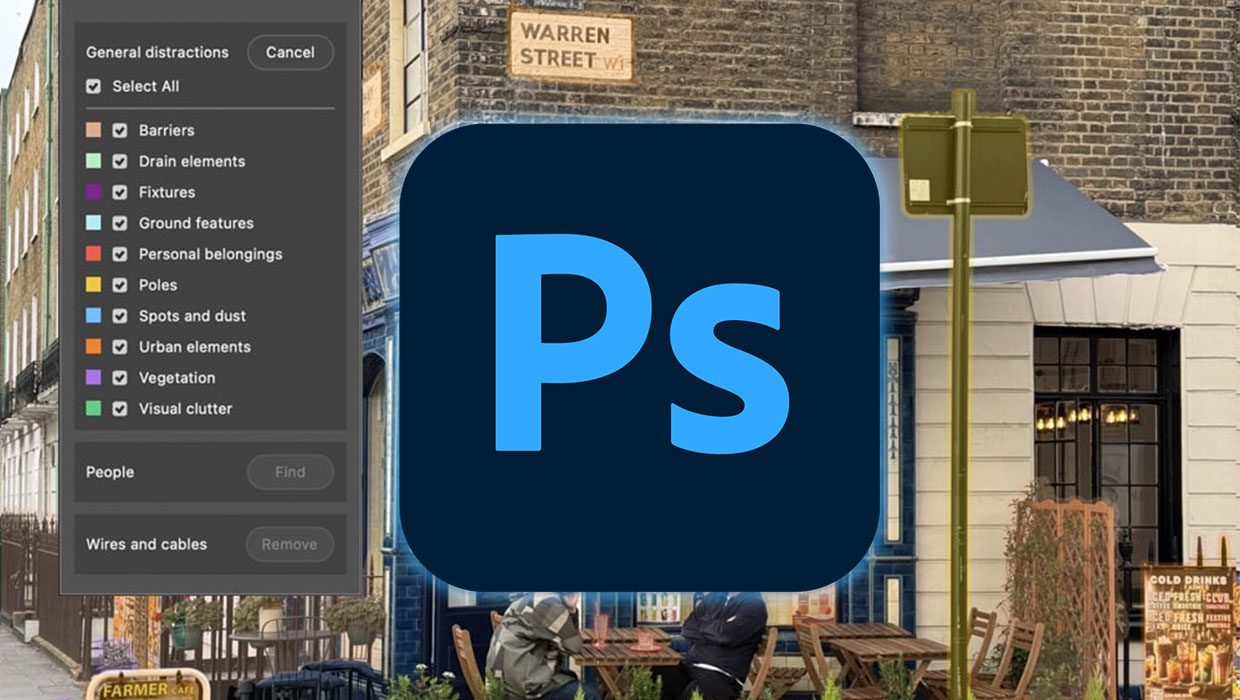
What’s New in Photoshop: April 2026
New features for removing unwanted people and objects, rotating objects, and ren...
