




Amberlight is an app for Windows and Mac from Escape Motions (makers of Flame Painter) that you can use to create stunning images by manipulating fields of digital particles.
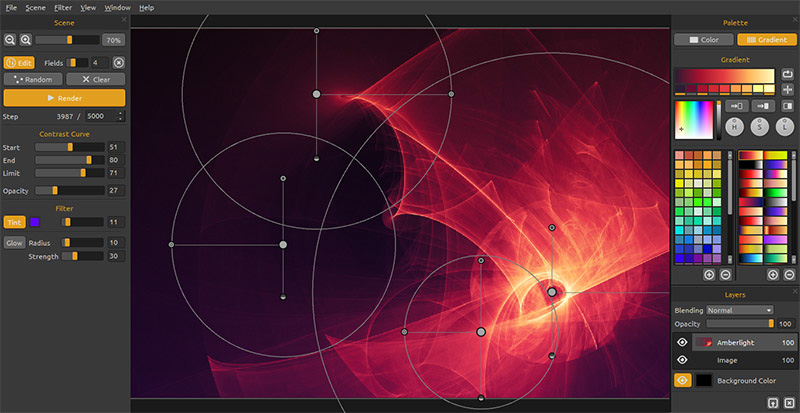
You can use Amberlight to add special effects to photos, or create interesting background images for presentations, project covers, and more. Here’s a sampling of the kinds of images you can make with Amberlight.

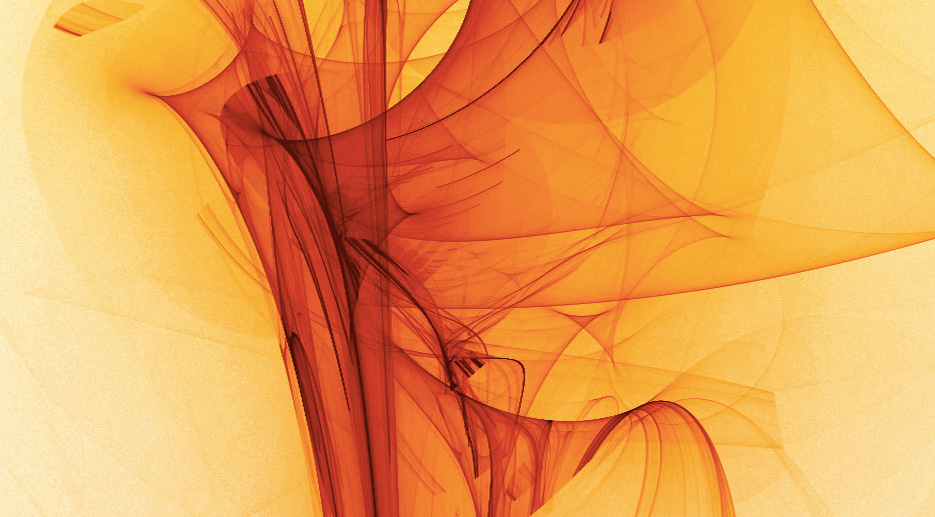
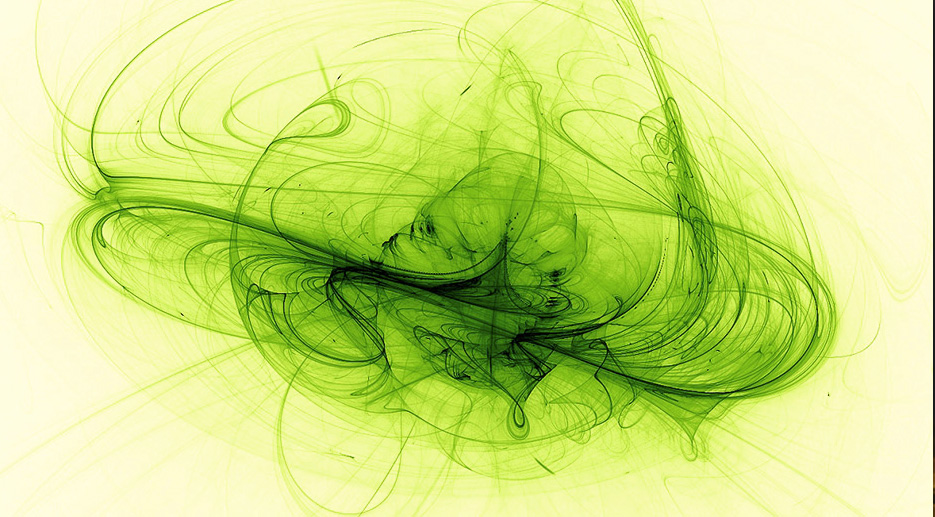
All images from Escapemotions.com
You can get Amberlight for an introductory price of $19.99 ($14.99 in the Mac App Store), and a free demo version is also available.
To see Amberlight in action, check out the demo video below.
This article was last modified on July 20, 2021
This article was first published on December 27, 2013
Commenting is easier and faster when you're logged in!

Recommended for you

Using Photoshop’s Generative Fill to Remove Objects
Learn how to simply remove items from an image in Photoshop, without extra conte...

How to Turn a Photo into Graffiti in Photoshop
Create a spray-painted masterpiece in Photoshop with Steve Caplin.

How to Adjust Colors Using Photoshop’s Contextual Task Bar
Learn how to use the Photoshop Adjust Colors feature to make quick, non-destruct...