




John wrote:
I use a mighty mouse for zipping up and around a page, but I miss greatly the ability to hold down a key to get the hand feature, like in QuarkXPress.
I just searched up and down, left and right, throughout this site and I can’t find any post that describes the keyboard shortcut for getting the Grabber Hand tool. Well, it’s time to right that wrong. Many InDesign users are already familiar with this, but clearly many people don’t know the rules:
- When you’re editing text, you can hold down the Option/Alt key to get the grabber hand.
- When you’re not editing text, you can hold down the Spacebar to get the grabber hand.
- You can always get the grabber hand by pressing Option/Alt AND the spacebar at the same time.
I tend to use Option/Alt-spacebar all the time, because it’s too hard to think, “do I use Option/Alt or the spacebar?” and I don’t want to accidentally type a space at the wrong time (with the spacebar) or duplicate some object on my page (by Option/Alt-dragging something I shouldn’t).
Of course, this shortcut (and many others), is listed on our Keyboard Shortcuts chart.
This article was last modified on December 18, 2021
This article was first published on January 22, 2008
Commenting is easier and faster when you're logged in!

Recommended for you
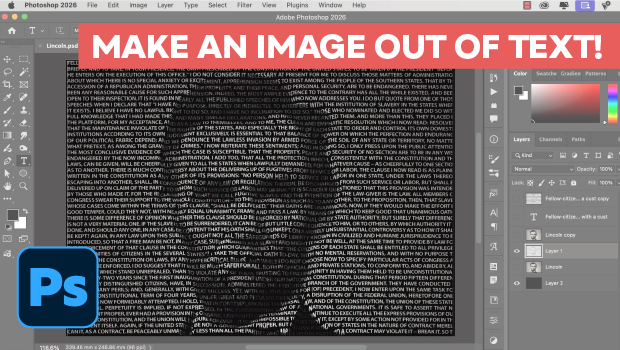
Making an Image Entirely Out of Text in Photoshop
Create a typographical wonder with Steve Caplin.
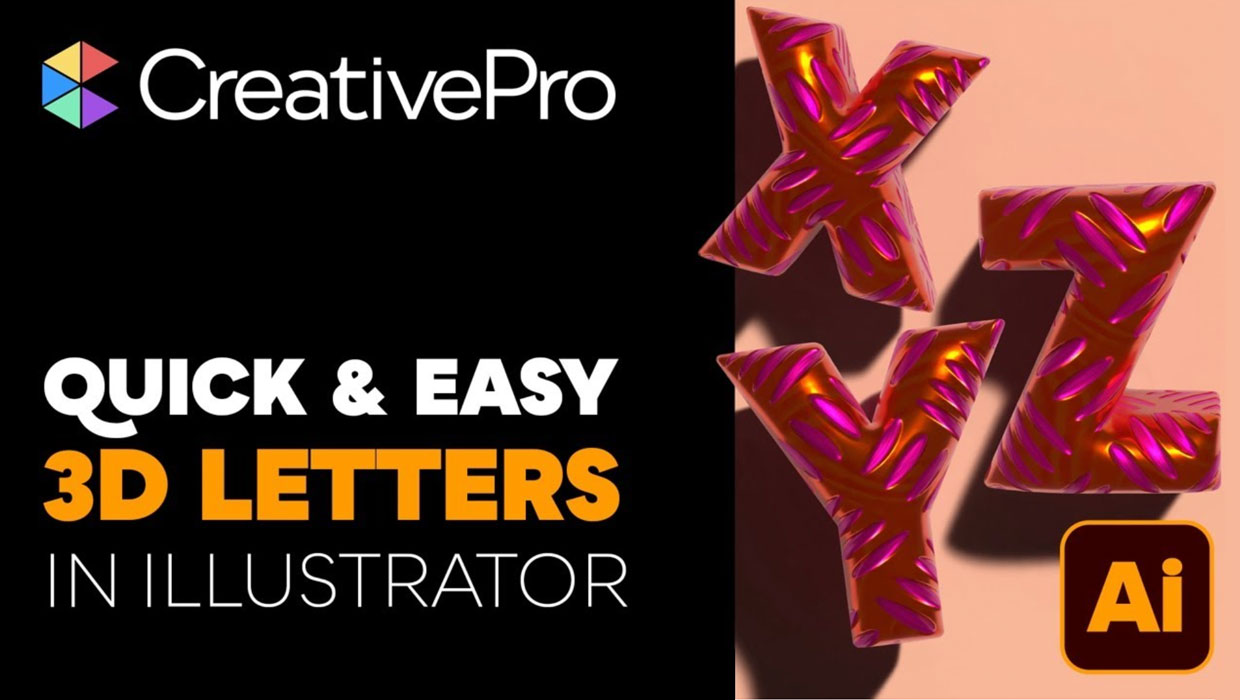
Livestream Video: Creating 3D Lettering Using Illustrator’s Inflate Tool
Join Khara Plicanic as she shows how to create stunning 3D lettering with Illust...

Adobe Unveils Major Expansion of Creative Agent Across Firefly and Creative Cloud Apps Including Photoshop and Premiere
Adobe is giving creative professionals an AI Assistant that orchestrates multi-s...