



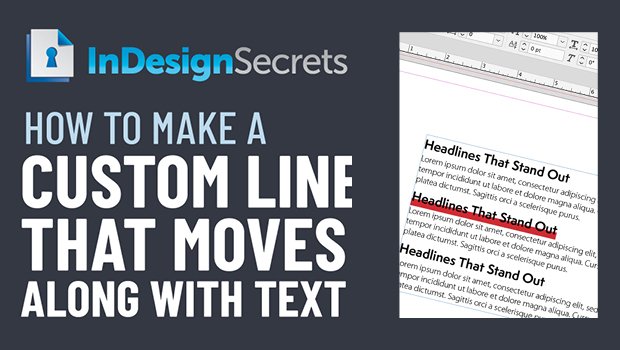
In this week’s InDesignSecrets video, Erica Gamet shows how to create a custom line that travels along with text in InDesign. Whether you want a simple underline, a colored box for your headline to sit in, or even a banner with rounded ends, the secret is to use paragraph rules.
Check out new tutorials every other Tuesday on our InDesign Secrets YouTube channel, then join the discussion on our Facebook group!
This article was last modified on August 29, 2025
This article was first published on May 19, 2020
Commenting is easier and faster when you're logged in!

Recommended for you
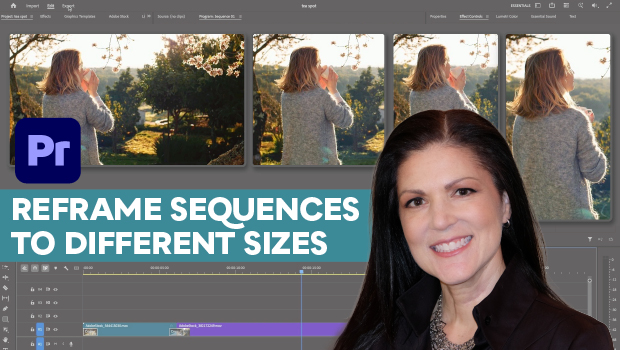
How to Export Videos in Different Aspect Ratios from Premiere
Quickly reframe your video for any social media platform with Myra Ferguson.

A Script for Styling Punctuation in InDesign
This free script formats punctuation to match the text immediately before and af...
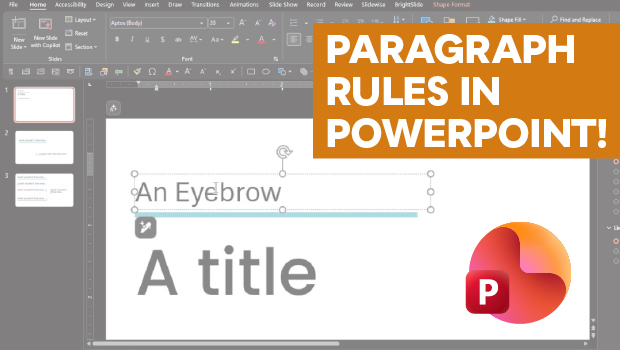
How to Add Paragraph Rules in PowerPoint
This clever workaround creates InDesign-like paragraph rules in PowerPoint.