In this week’s InDesignSecrets video, Mike Rankin explains why choosing “Ignore All” in InDesign’s spellcheck is better than merely skipping over a word. Then he shows how to unignore any word that you no longer want spellcheck to skip over.
Check out new tutorials every Tuesday on our InDesign Secrets YouTube channel, then join the discussion on our Facebook group!
This article was last modified on August 29, 2025
This article was first published on January 8, 2020
Commenting is easier and faster when you're logged in!

Recommended for you

Free Webinar: Animate Your Marketing Graphics with Photoshop
Learn how to create eye-catching animated GIFs, motion graphics, and simple vide...
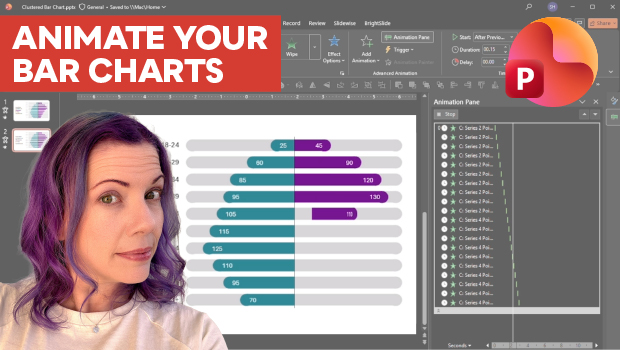
Animate a Waterfall Effect on a PowerPoint Bar Chart
Stephy Hogan is back with another eye-catching animated chart design.