




In this week’s InDesignSecrets video, Erica Gamet shows how to automate story jumps in InDesign. She explains how to set up “continued on/from” indicators that automatically track the page placement of each thread in a story.
Check out new tutorials every Tuesday on our InDesign Secrets YouTube channel, then join the discussion on our Facebook group!
This article was last modified on August 29, 2025
This article was first published on October 9, 2019
Commenting is easier and faster when you're logged in!

Recommended for you
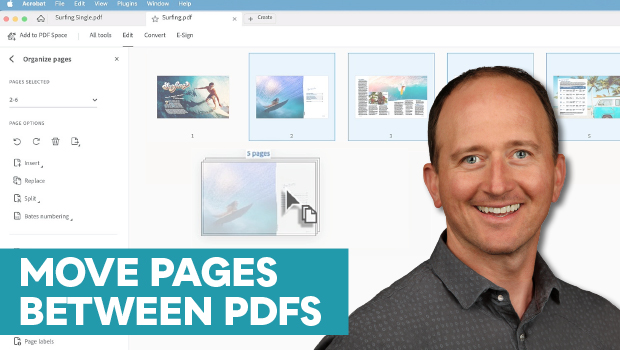
How to Move Pages Between PDFs with Adobe Acrobat
Learn how to move pages between PDF files with Chad Chelius.

Quick Wins: Presentation Design Skills
Use these five resources to boost your presentation design and production skills
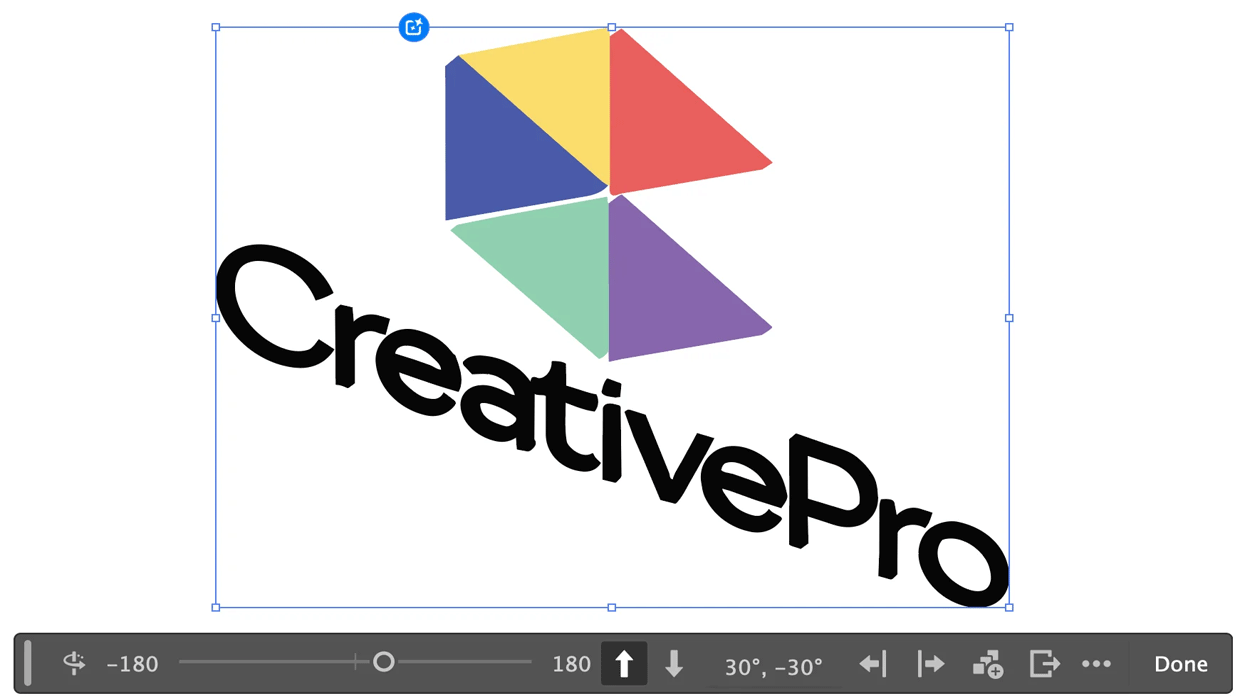
Rotating Objects in Illustrator Using Turntable
Generate vector objects from a variety of angles with the help of AI