




In this week’s InDesignSecrets video, Erica Gamet explains what the icons in the Find/Change dialog box do. If you need to include—or exclude—areas from a find/change operation, use the search option icons to target your search.
Check out new tutorials every Tuesday on our InDesign Secrets YouTube channel, then join the discussion on our Facebook group!
This article was last modified on August 29, 2025
This article was first published on September 4, 2019
Commenting is easier and faster when you're logged in!

Recommended for you

Free Webinar: Animate Your Marketing Graphics with Photoshop
Learn how to create eye-catching animated GIFs, motion graphics, and simple vide...
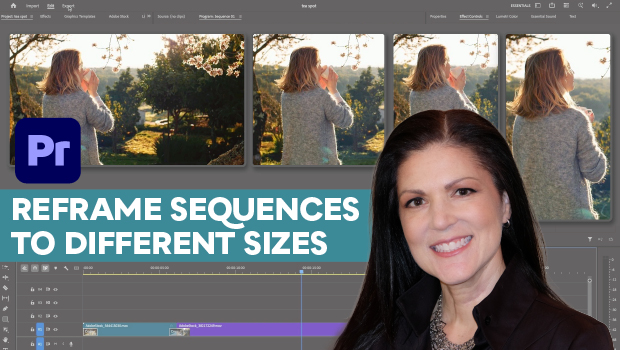
How to Export Videos in Different Aspect Ratios from Premiere
Quickly reframe your video for any social media platform with Myra Ferguson.
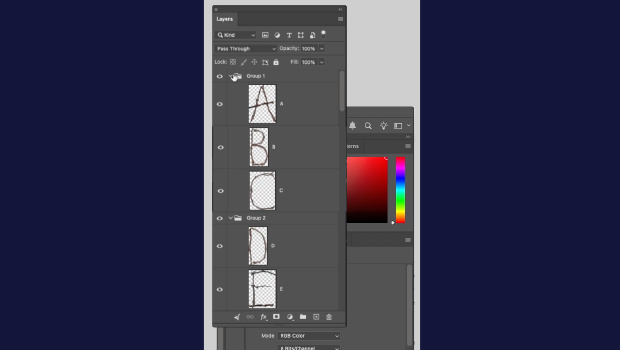
How to Collapse All Layer Groups in Photoshop
Khara Plicanic shows how to manage your layer groups in Photoshop with one quick...