


InDesign Template Essentials: Anchored Objects
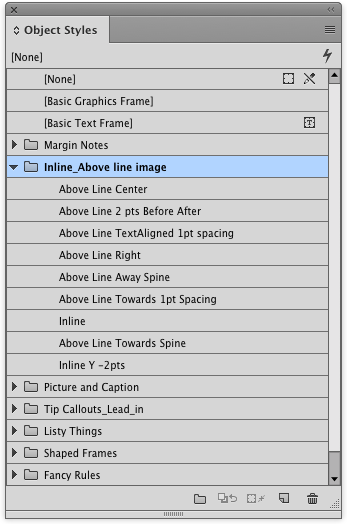
The big set of anchored object includes things like margin notes, tip boxes, inline images and captions, fancy list numbering and rules that you can’t make with InDesign’s paragraph rules...
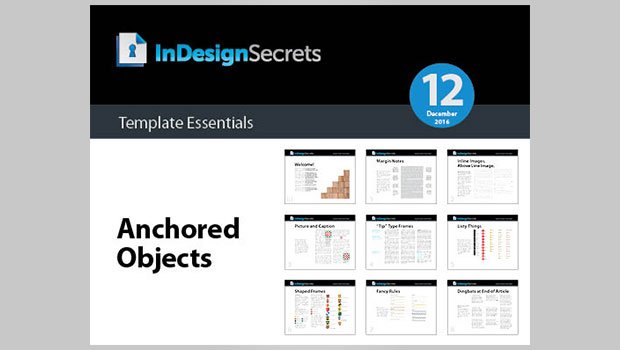
This template features a big batch of anchored objects for you!
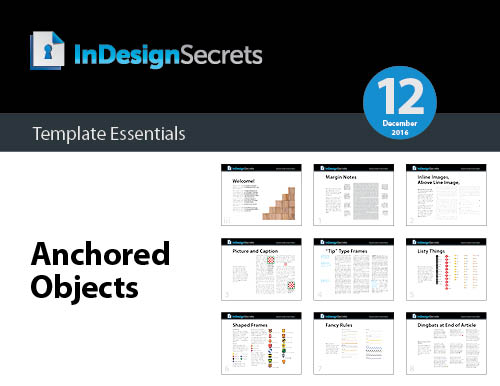
The set includes things like margin notes, tip boxes, inline images and captions, fancy list numbering and rules that you can’t make with InDesign’s paragraph rules feature—and more!
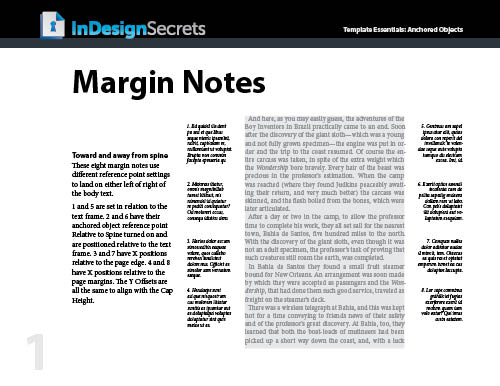
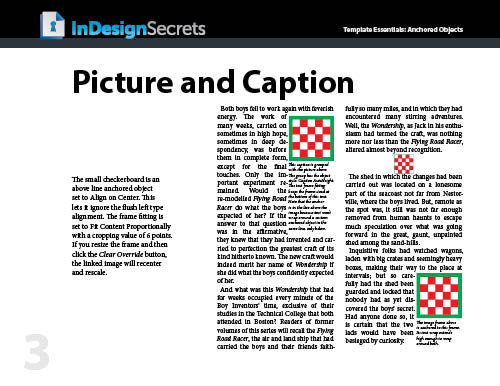
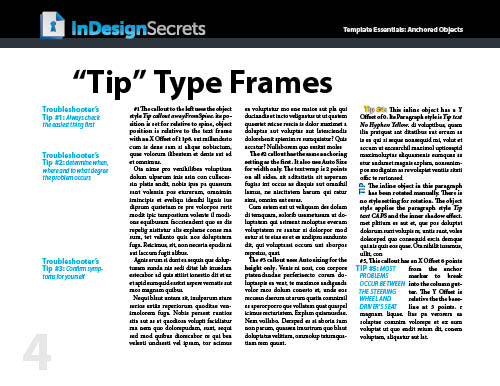
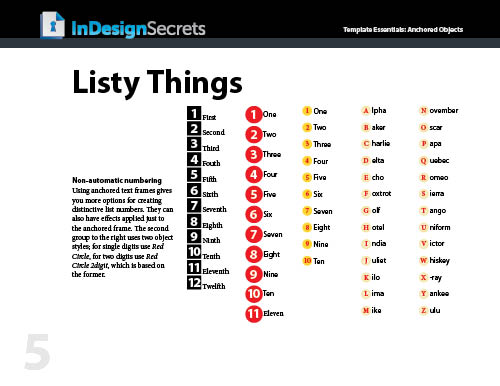
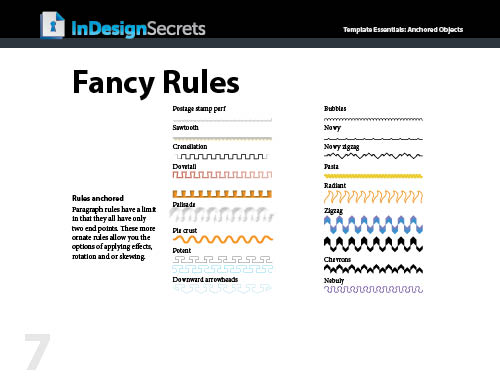
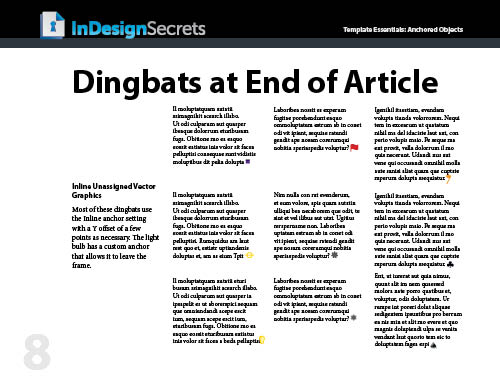
Everything is formatted with text and object styles, so you can copy and paste the objects into your documents and adjust the settings to your liking, link to your own graphics, edit the text, etc. Or just use them as inspirational examples to develop your own custom anchored objects.
Commenting is easier and faster when you're logged in!

Recommended for you
Adobe Certified Professional Exam Prep Guides
Use these self-assessment guides to determine what you should study to pass the...

Keynote: The Pro Design Powerhouse
Unlock type styles, photo adjustments, animation, and video capabilities that go...

InDesign Can Create More Kinds of QR Codes Than You Think
With the right syntax, you can make QR codes that dial phone numbers, add calend...