



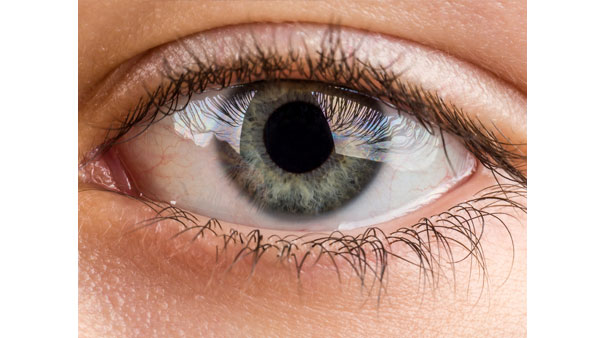
I’m kind of a stickler for neat and tidy layout; blame it on my printing background, I guess. I try not to be too harsh with those designers that insist on eyeballing everything. I welcomed InDesign’s Smart Guides with open arms because I could, at last, join the freewheeling eyeballing group and STILL have my tidy layout.
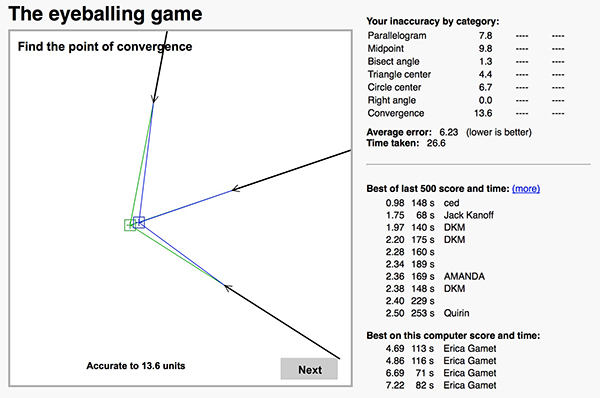
If you’re in the group that prefers to rely on your visual accuracy, you might want to test how fine those skills really are using the Eyeballing Game. This addictive online test quizzes you on finding the midpoint of a center, bisecting an angle, making perfect parallelograms and right angles, pinpointing the convergence of three points, and finding the exact center of a circle—something I can’t seem to master to save my life.
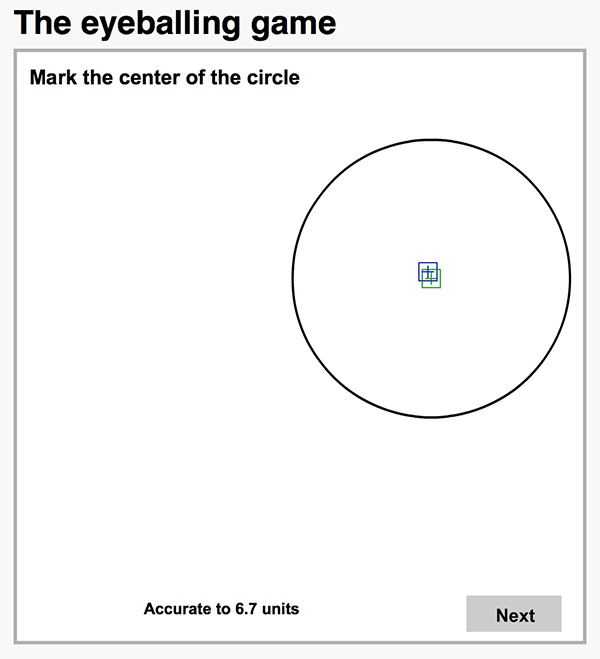
Each attempt is scored on accuracy and time to complete the task. The game keeps track of the best of the last 500 scores across the web and the best scores on your local machine. Interestingly, I was recently playing the Eyeballing Game with just one eye open (due to a particularly bad allergy attack) and somehow I racked up some of my best scores. I now intend to do all my freeform layout with an eye patch!
This article was last modified on June 30, 2023
This article was first published on August 14, 2014
Commenting is easier and faster when you're logged in!

Recommended for you

Using Photoshop’s Generative Fill to Remove Objects
Learn how to simply remove items from an image in Photoshop, without extra conte...

How to Adjust Colors Using Photoshop’s Contextual Task Bar
Learn how to use the Photoshop Adjust Colors feature to make quick, non-destruct...

How to Turn a Photo into Graffiti in Photoshop
Create a spray-painted masterpiece in Photoshop with Steve Caplin.