



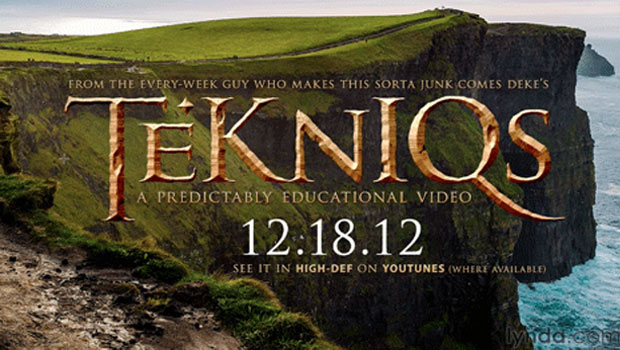
Unless you’ve been living under a rock the size of a cave troll, you’re probably well aware that The Hobbit is in theaters now, dazzling the eyes and numbing the backsides of audiences worldwide. To mark this “precious” occasion, Deke McClelland has created mini-epic of his own showing how to use Photoshop and Illustrator to create the chiseled and weathered metallic type of the film’s title.
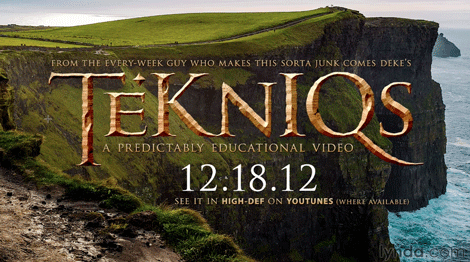
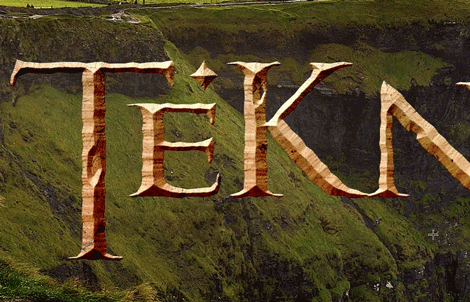
It’s a great example of how the two applications complement each other’s strengths, and the eye-popping results you can get when you’re well versed in both apps.
For more Photoshop and Illustrator wizardry, check out Deke’s Techniques.
This article was last modified on July 29, 2021
This article was first published on December 21, 2012
Commenting is easier and faster when you're logged in!

Recommended for you
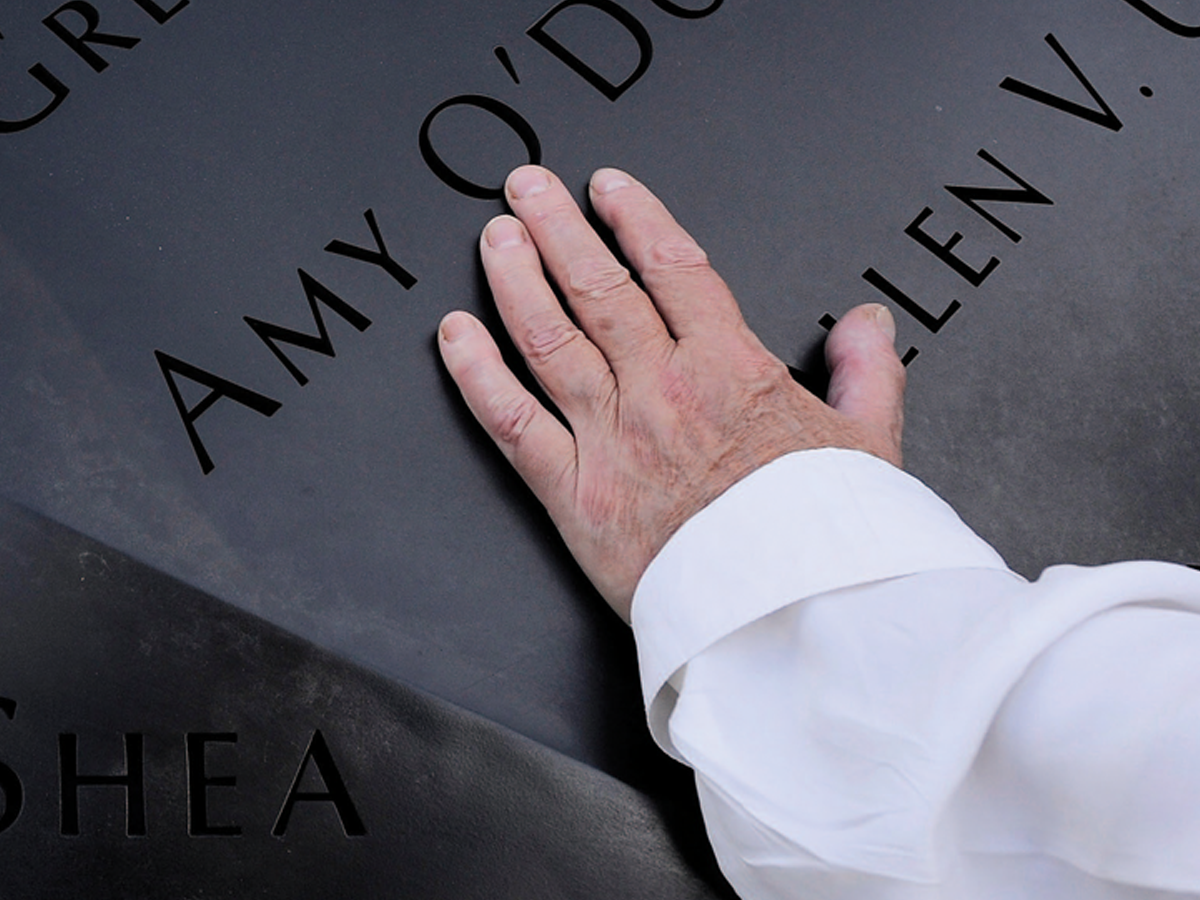
Before&After: Optima: The Typeface of 9/11
How Optima brings dignity and humanity to the National September 11th Memorial.

CreativePro Week 2026 Preview: 5 Indispensable InDesign Sessions
Five sessions InDesign users can't afford to miss

Using Photoshop’s Generative Fill to Remove Objects
Learn how to simply remove items from an image in Photoshop, without extra conte...