




If you work on a Mac and regularly have to process images to size, optimize, or watermark them, there’s a new inexpensive app you may want to check out. PhotoBulk is a simple new application by Eltima Software that allows users to add text or image watermarks, resize, and optimize large batches of images with a single click, and is available in the Mac App Store for $4.99 (USD) for a limited time.

Sizing controls allow you to proportionally set the width or height of images. Watermarking options include the ability to choose text or image, opacity, and position. Images can be optimized as JPGs or PNGs, while retaining their original resolution, quality, and format.
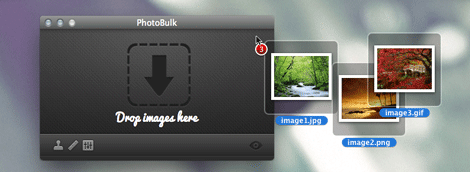
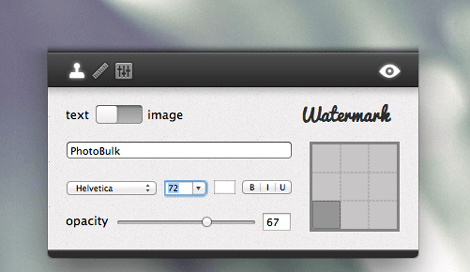
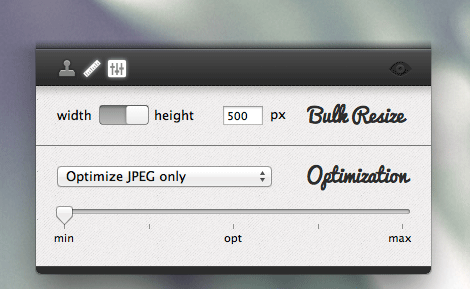
Real-Time Preview shows how finished files will look like before they are processed so you can experiment with watermarks and/or sizing to achieve your desired results.
PhotoBulk supports JPEG, PNG, GIF, BMP, and TIFF, and requires Mac OS 10.7 (Lion) or later.
This article was last modified on October 17, 2012
This article was first published on October 17, 2012
Commenting is easier and faster when you're logged in!

Recommended for you

How to Turn a Photo into Graffiti in Photoshop
Create a spray-painted masterpiece in Photoshop with Steve Caplin.

Use Bridge to Find and View All Linked Assets in an InDesign File
Quickly find and collect every linked asset in your InDesign project using this...

How to Adjust Colors Using Photoshop’s Contextual Task Bar
Learn how to use the Photoshop Adjust Colors feature to make quick, non-destruct...