



This content is courtesy of The Russell Brown Show.
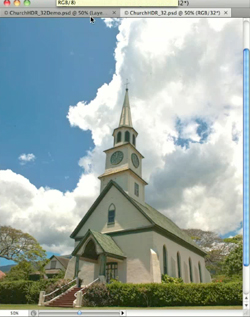
In this tutorial, I begin with the Merge to HDR command in Adobe Photoshop CS4 Extended. I use it to combine seven photos shot one stop apart. The resulting high dynamic range (HDR) image looks OK, but I think it could be better:
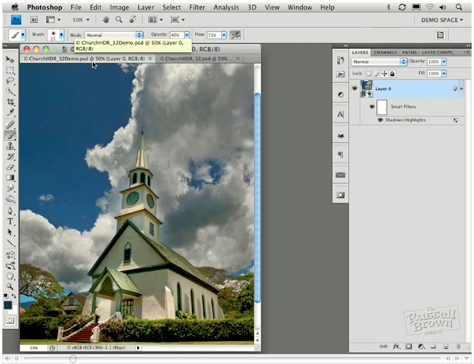
And in fact, I make it a lot better, painting in exposure to recover information in the clouds, converting it to a Smart Object, and more.
Learn how you can do the same with your photos by watching the video below:
This article was last modified on January 5, 2023
This article was first published on March 25, 2010
Commenting is easier and faster when you're logged in!

Recommended for you

How to Adjust Colors Using Photoshop’s Contextual Task Bar
Learn how to use the Photoshop Adjust Colors feature to make quick, non-destruct...

Using Photoshop’s Generative Fill to Remove Objects
Learn how to simply remove items from an image in Photoshop, without extra conte...

How to Turn a Photo into Graffiti in Photoshop
Create a spray-painted masterpiece in Photoshop with Steve Caplin.