


This tutorial is an installment of The Russell Brown Show.
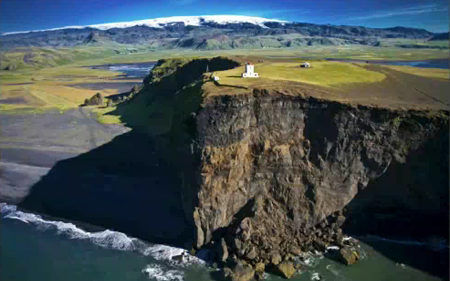
Delve into the powerful realm of Adobe Camera Raw (which comes with Photoshop) and learn new techniques for enhancing images with the luminosity controls.
Click on “A Luminous Landscape” to begin streaming the 9MB QuickTime Tutorial.
If you don’t have QuickTime installed, you can get it here.
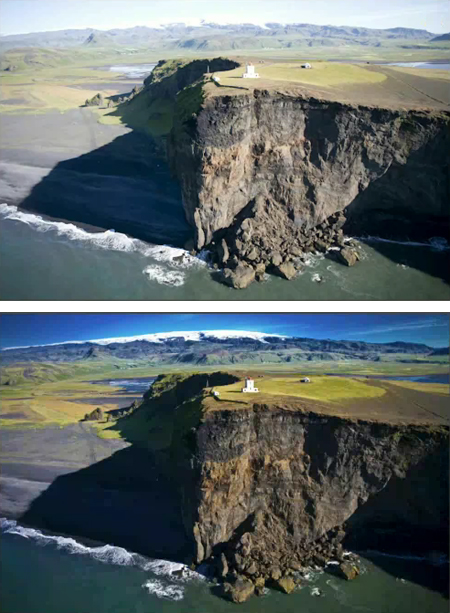
Before Camera Raw (top) and after (bottom).
This article was last modified on January 5, 2023
This article was first published on January 28, 2008
Commenting is easier and faster when you're logged in!

Recommended for you

How to Adjust Colors in Photoshop Using Hue and Saturation
Learn how to manipulate an image’s colors using Photoshop’s Hue and Saturation s...

Using Photoshop’s Generative Fill to Remove Objects
Learn how to simply remove items from an image in Photoshop, without extra conte...

How to Adjust Colors Using Photoshop’s Contextual Task Bar
Learn how to use the Photoshop Adjust Colors feature to make quick, non-destruct...