


Be Prepared: Fill the Gaps in Your Photoshop Know-How

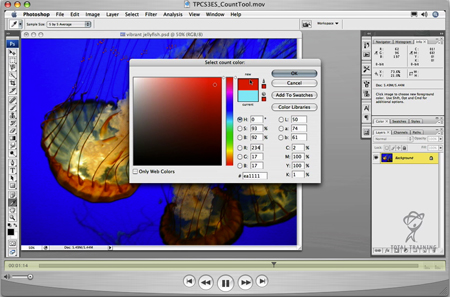
Courtesy of Total Training
It’s next to impossible for one person to know the ins and outs of every single facet of Photoshop. With that in mind, we present three video tutorials to plug a variety of holes in your Photoshop knowledge:
- Aspects of the Ruler you may not have used
PSCS3_Using_Rulers.wmv (4.3 MB) - The new Count tool: What it is and how to use it (Photoshop CS3 Extended only)
TPSCS3ES_CountTool.mov (4.9 MB) - Smart Objects: How to edit them and why to use them for raster objects
TPCS3ES_SmartObject.mov (8.1MB)
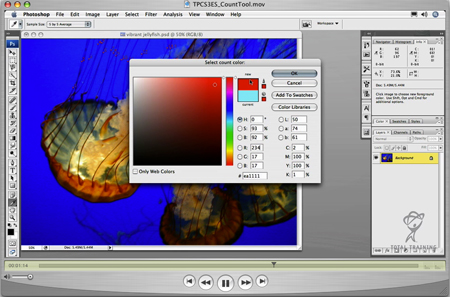
A still from the Count Tool tutorial.
Copyright © 2007, Total Training
This article was last modified on January 4, 2023
This article was first published on July 13, 2007
Commenting is easier and faster when you're logged in!

Recommended for you

Using Photoshop’s Generative Fill to Remove Objects
Learn how to simply remove items from an image in Photoshop, without extra conte...

How to Adjust Colors Using Photoshop’s Contextual Task Bar
Learn how to use the Photoshop Adjust Colors feature to make quick, non-destruct...

How to Turn a Photo into Graffiti in Photoshop
Create a spray-painted masterpiece in Photoshop with Steve Caplin.