


Remove Glasses Digitally in Photoshop


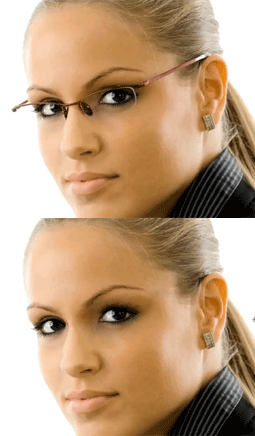
In this 10-minute video tutorial, I’ll show you how to retouch an image by removing glasses from a person’s face. And you don’t need Photoshop CS5’s fancy Content-Aware Fill, either! Photoshop CS4 has everything you’ll need, including the Clone Stamp tool, the Healing Brush, and History snapshots.
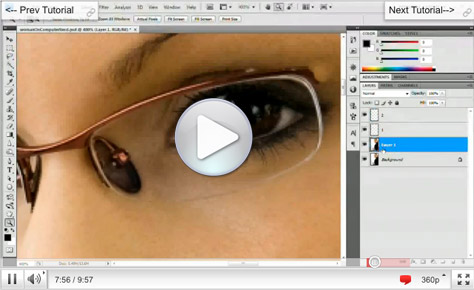
Click the screenshot below to watch the video in a separate window:
This article was last modified on January 6, 2023
This article was first published on April 14, 2011
Commenting is easier and faster when you're logged in!

Recommended for you

How to Adjust Colors in Photoshop Using Hue and Saturation
Learn how to manipulate an image’s colors using Photoshop’s Hue and Saturation s...

How to Turn a Photo into Graffiti in Photoshop
Create a spray-painted masterpiece in Photoshop with Steve Caplin.

How to Adjust Colors Using Photoshop’s Contextual Task Bar
Learn how to use the Photoshop Adjust Colors feature to make quick, non-destruct...