




In this InDesignSecrets video, Mike Rankin explains how to reset an InDesign item’s tint back to 100%. Even if multiple items—in multiple colors—need to be reset, Mike demos just how easy it can be.
Check out new tutorials every Tuesday on our InDesign Secrets YouTube channel, then join the discussion on our Facebook group!
This article was last modified on August 29, 2025
This article was first published on December 4, 2018
Commenting is easier and faster when you're logged in!

Recommended for you
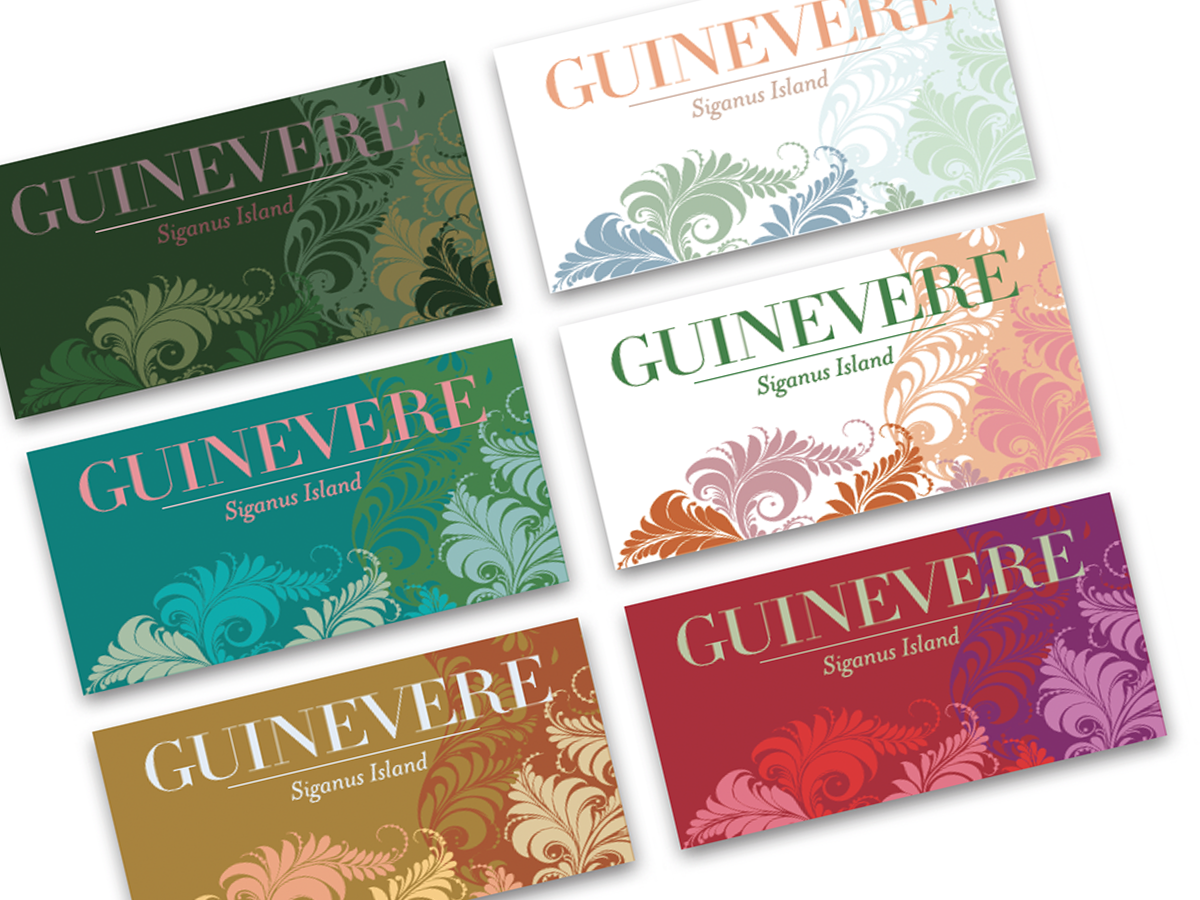
Before&After: Create a Series of Cards
These small, tent-style cards needed to be different but look like a series and...
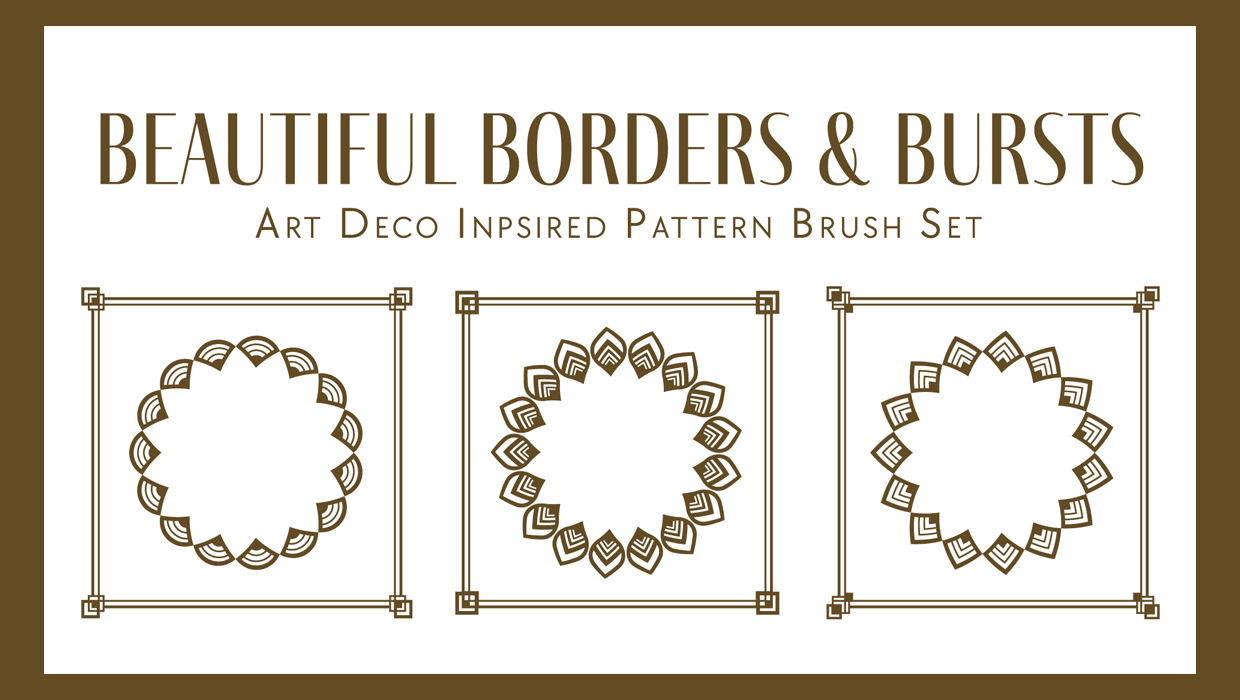
Illustrator Downloadable: Art Deco Borders and Brushes
Custom patterns and brushes to add a sleek and swanky style to your designs
Free Webinar: Wrangle Your Adobe Swatches
Learn practical, time-saving ways to organize, share, and control color across A...