




To reset the settings in most Export dialog boxes, go to File>Export and select the file type. In the next dialog, hold down the Option/Alt key so the Cancel button changes to Reset.
This article was last modified on March 4, 2023
This article was first published on December 4, 2018
Commenting is easier and faster when you're logged in!

Recommended for you
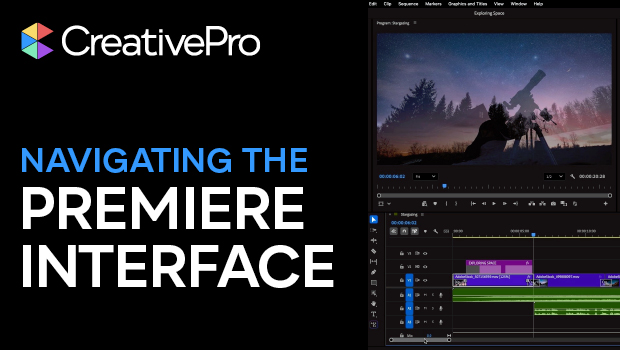
Navigating and Customizing the Premiere Interface
Are you a Premiere beginner? Get started and customize your workspace with Myra...
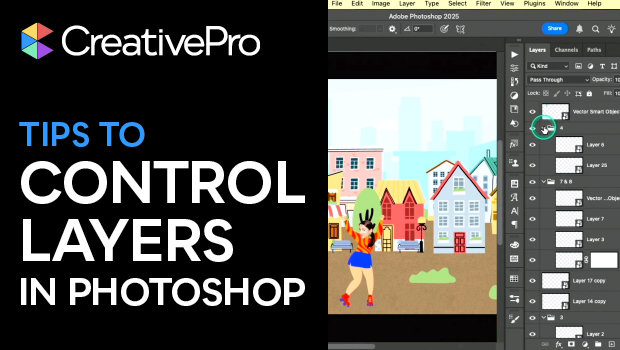
Tips to Control Photoshop Layers
Khara Plicanic shares smart Photoshop Layers panel tips to help you find and man...
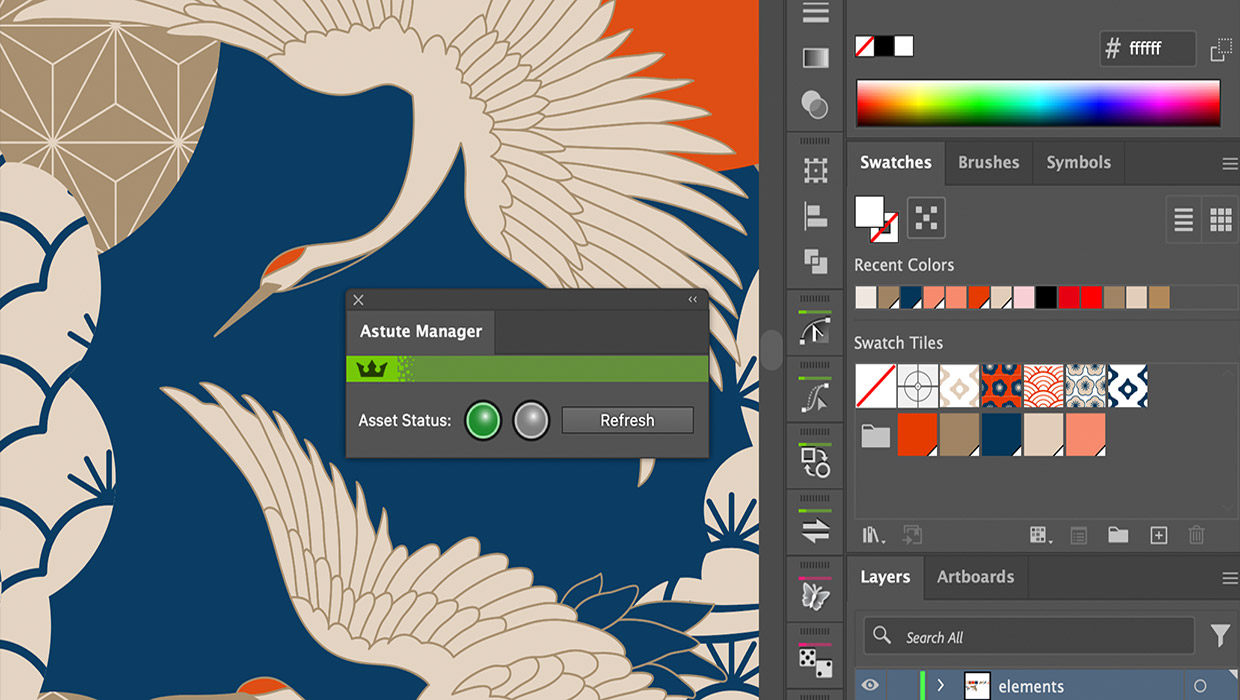
Review: Astute Manager Pro
This new service makes it easy to back up, restore, and sync your Illustrator se...