



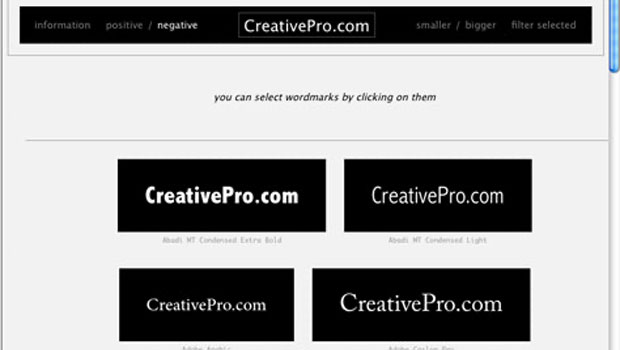
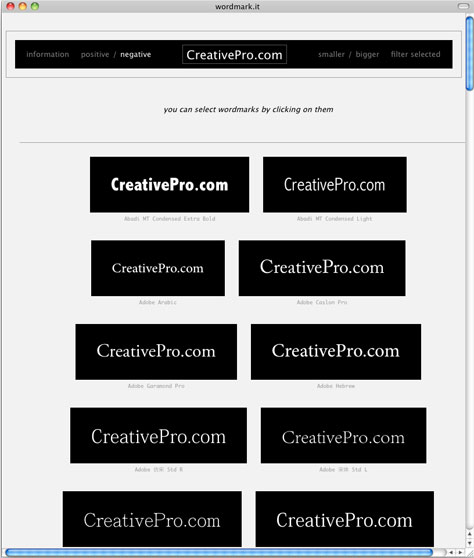
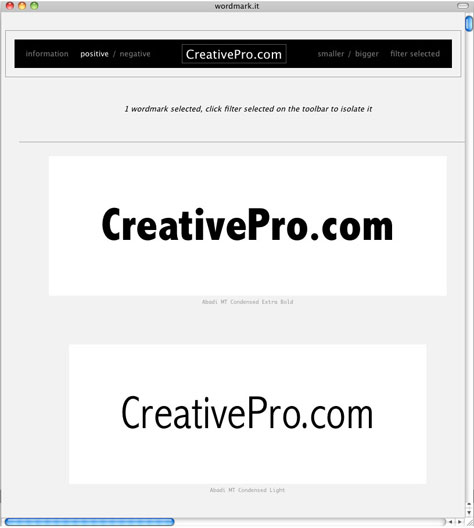
Wordmark.it scans a computer and displays its installed fonts within seconds. You can type in whatever text you like, make the sample display sizes be small or large, and display them as positive (black text on a white background) or negative (white text on a black background). To filter the fonts, click on one or more of the samples.
The site’s font-manipulation options are limited, but hey, it’s free!
Visit the website.
This article was last modified on January 8, 2023
This article was first published on January 11, 2011
Commenting is easier and faster when you're logged in!

Recommended for you

Before&After: How to Use that Typeface
That font you just learned about won’t work just anywhere; it has a style that n...

Before&After: Design From a Creative Brief
To know if you’ve reached a design goal, you must first know what the goal is. T...

CreativePro Week 2026 Preview: 5 Indispensable InDesign Sessions
Five sessions InDesign users can't afford to miss